
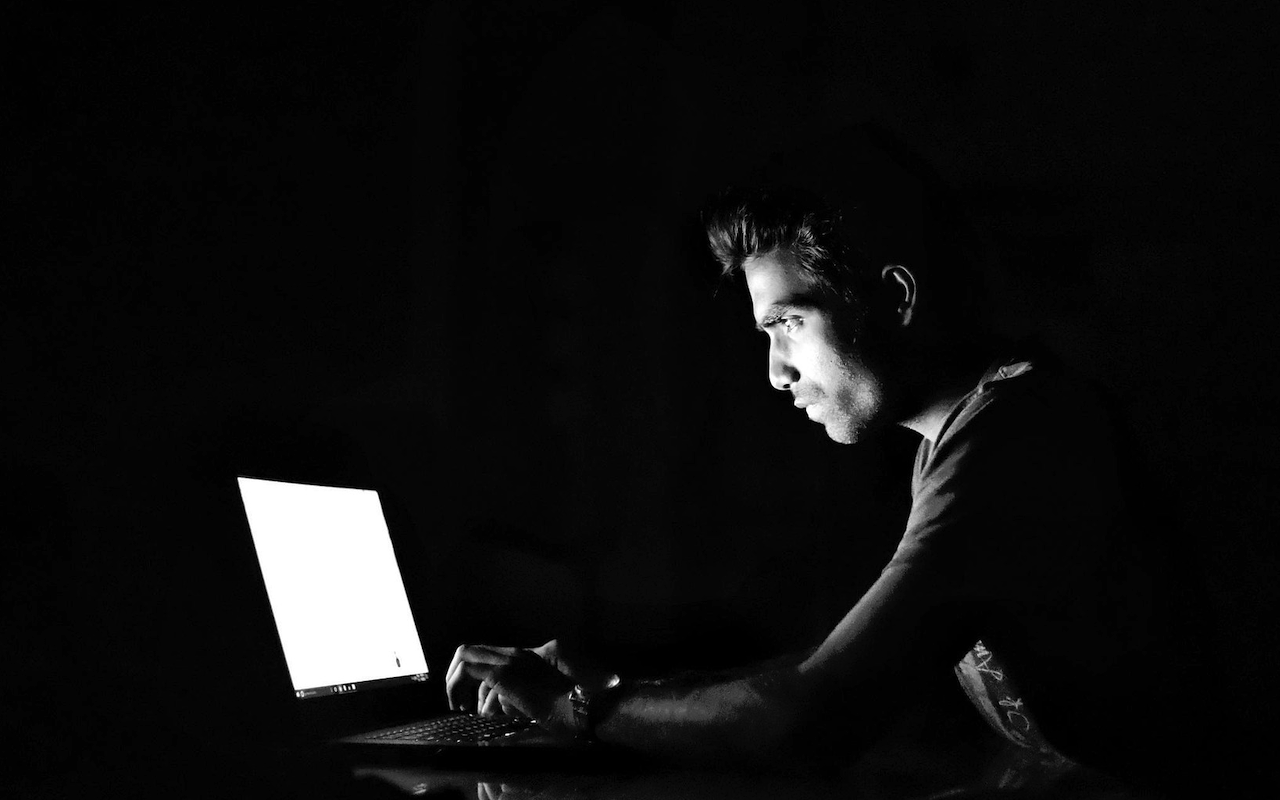
Grabbing a latte and joining the café Wi-Fi can feel harmless. Open networks resemble windows left wide, letting nearby people glimpse private activity. Before streaming lectures or pulling notes, learn fast protective habits. Online privacy is not a tech wizard’s contest; it is a steady, routine task. Small actions build a strong wall around accounts, files, and personal details. Check for a padlock in the browser, and use a virtual private network. Choose safe places to read speedy paper reviews or scroll social feeds during breaks. The guide below outlines the risks and offers quick steps. With care, students can study anywhere without exposing grades or photos. Treat each session like a trip that still needs a locked door.
Why Public Wi-Fi Can Be Risky
When a phone or laptop joins an open network, it shares lanes with strangers. Unprotected signals move through the air, making them easy for thieves to copy quietly. Attackers often use common tools that monitor traffic and wait for typed passwords. The risk rises when sites fail to use strong encryption for pages. A classmate wondering whether PapersOwl is legit may click a weak link. An address bar showing “http” instead of “https” signals a present danger. A criminal nearby could grab logins or slip hidden malware onto devices. Public hotspots also attract copycats running so-called evil twin networks. These clones use names that appear familiar, such as “Campus Library Wi-Fi.” People connect, trust the label, and hand data to a silent impostor. Some attackers add pop-ups that ask for email and school passwords. Awareness of these tricks is the first move toward safe browsing. Knowing the traps makes it easier to make careful choices during busy days.
Simple Privacy Habits Before You Connect
Before tapping join, take a moment to lock down basic device settings. Turn off automatic Wi-Fi joining to prevent surprise connections without consent. Disable file sharing to keep class work private and local on your drive. Update antivirus tools and run a quick scan to clear common threats. Check each site for a padlock and the letters https in view. If a page still shows http, save that task for a trusted network. Log out of accounts not required for a short study session today. Use the browser’s private mode on shared machines in labs or cafés. Enable the device's firewall and block inbound requests from unknown sources. Set AirDrop or nearby sharing to contacts only, not everyone in range. Back up notes before leaving home to reduce panic if trouble hits. These small moves build a sturdy door before the session begins. They cost nothing and take only a few steady taps.
Using VPNs and Secure Apps
A virtual private network, or VPN, hides traffic inside an encrypted tunnel. The app wraps each packet and routes it through a remote server. People on the café network see scrambled noise instead of clear activity. Many schools offer free VPN access, and paid options are widely available. Pick a service with strong privacy terms and no logging of user actions. After turning on the VPN, use secure messengers like Signal or WhatsApp. For cloud storage and email, enable two-factor authentication to block thieves. That extra step means a stolen password is not enough to break in. Add alerts for new logins so you learn about strange access quickly. Keep operating systems updated, as patches close doors that attackers often exploit. Choose browsers that support encrypted DNS to hide site lookups from snoops. Stacking layers of protection reduces harm when one layer fails under pressure. Defense in depth turns a risky café into a manageable study spot.
Quick Checklist for Safe Public Browsing
Rules can slip during hectic days, so keep a short mental list ready. Review it in under a minute before connecting to any public hotspot. Turn off auto-connect and disable file sharing on the device you use. Confirm the network name with the staff or a posted sign near the counter. Keep a VPN on for browsing, streaming, and each download on open networks. Check for HTTPS and a padlock before typing or submitting any form. Avoid banking or shopping on public Wi-Fi hotspots that lack clear protections or a trusted connection. Add two-factor authentication to email and cloud accounts used outside the home. Use secure apps for chats, calls, and file transfers when possible. Log out when finished, clear your cookies, and instruct the device to forget any saved networks. Watch your surroundings and shield the screen from prying eyes nearby. Restart the device after long sessions to refresh connections and settings.
Conclusion
Following these steps cuts the chance of hacks and hidden data leaks. The actions are quick and free, yet many people skip them in a rush. Careful students gain an edge while others gamble with private details. Grades, photos, and tuition records carry real value on the dark web. Treat privacy like locking a dorm room door before leaving for class. Build steady habits now, and they will serve you well long after graduation.
Share this post
Leave a comment
All comments are moderated. Spammy and bot submitted comments are deleted. Please submit the comments that are helpful to others, and we'll approve your comments. A comment that includes outbound link will only be approved if the content is relevant to the topic, and has some value to our readers.
Comments (0)
No comment