
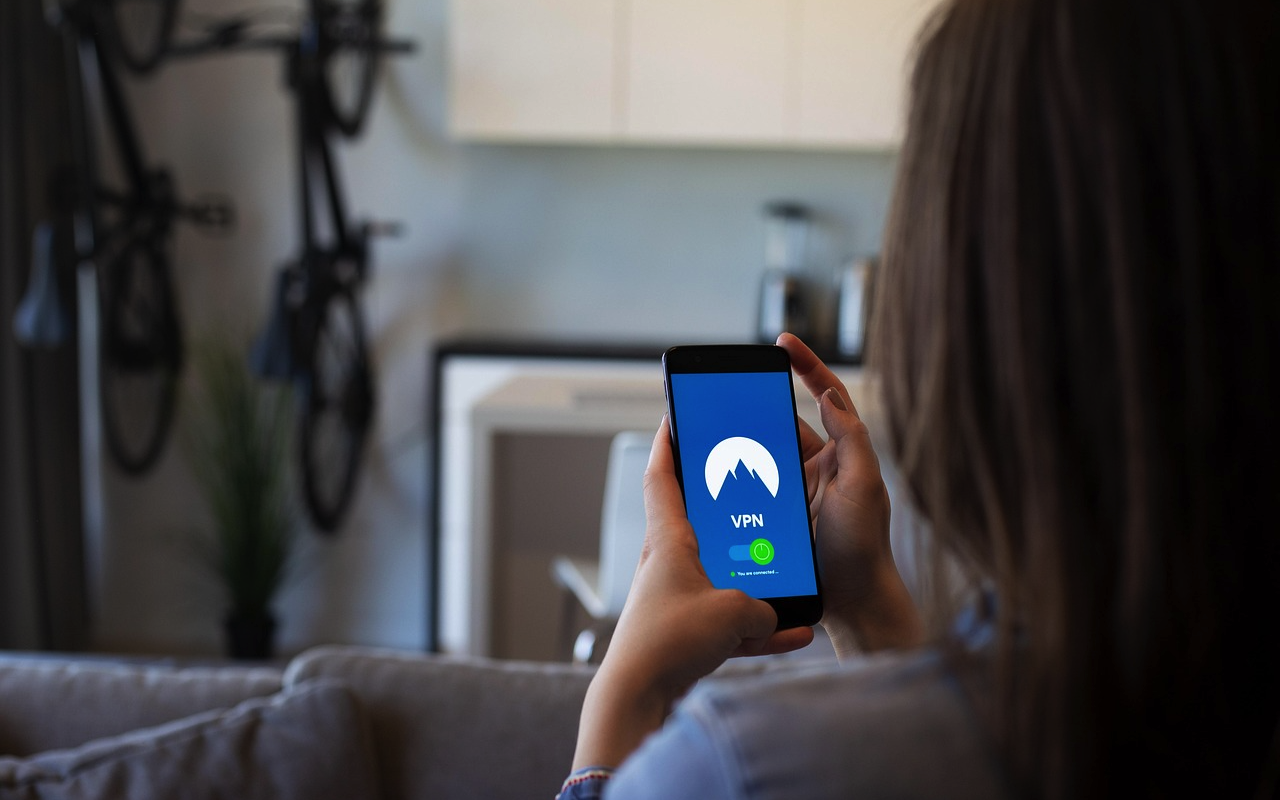
Have you ever thought about how websites know where you’re connecting from? When you browse the internet, your IP address quietly shares your location details. Many people are curious about how to check their IP location and make sure their privacy stays protected while being online. Let’s talk about some simple and effective ways you can do that, using easy methods that don’t require much tech knowledge.
What Is an IP Address and Why Does It Matter
Every device connected to the internet has an IP address, which works like your home address but for online communication. It helps websites send data to the right place. For example, when you open a website, your IP address tells the server where to deliver the page you requested. This is normal and safe most of the time, but the issue comes when others use that information to track your activities or location. That’s why learning how to check and control your IP location is important for online privacy.
How to Check Your IP Location Easily
The good thing is, checking your IP location doesn’t take much effort. You can do it right from your phone, laptop, or tablet in just a few clicks. Here are some of the easiest ways to find your IP and its approximate location.
Use an Online IP Lookup Tool
There are several free websites where you can instantly see your IP address and its location. When you visit these sites, they automatically detect your IP and show details like your city, region, country, and even your internet service provider. Some popular options include IpLocation.net, WhatIsMyIP.com, and IPinfo.io. These websites are safe to use and perfect for quick checks.
Check IP from Your Device Settings
If you don’t want to visit any website, you can check your IP directly from your device. On Windows, just open the Command Prompt and type “ipconfig.” On Mac, go to “System Preferences” and check under “Network.” For mobile users, you can find it in Wi-Fi settings under your connected network. These are the simplest ways to find your device’s IP address without using third-party sites.
Ask Your Internet Service Provider
Your internet provider assigns you an IP address whenever you connect. If you ever need more details about your IP or need to confirm it for security reasons, contacting your provider can help. They can also provide guidance on privacy protection and network setup.
Why IP Privacy Is Important
When you’re online, your IP reveals more than just a number. It can share your approximate location and network type. Some websites even use this data to customize ads or restrict access based on your region. Keeping your IP private helps you stay secure, avoid unwanted tracking, and maintain full control of your browsing activity. For example, many businesses now use secure hr software to manage employee data safely and avoid online risks. Just like that, managing your digital footprint is equally important for personal online safety. Protecting your IP is one of the easiest ways to start.
Simple Ways to Protect Your IP and Privacy
Once you know your IP address, the next step is to protect it. Here are a few easy methods that anyone can use.
Use a VPN
A VPN, or Virtual Private Network, hides your real IP and replaces it with one from a different region. This way, websites can’t track your exact location. VPNs are widely used for safe browsing, streaming, and working remotely. You can pick from reliable VPN services that offer strong encryption and fast speeds. Once you turn it on, all your internet activity stays private.
Use a Proxy Server
Proxy servers work in a similar way to VPNs, but are often used for specific websites or apps. When you connect through a proxy, it acts as a middle layer between your device and the internet. It keeps your IP hidden and can also help bypass regional restrictions. Many browsers allow easy setup for free proxy servers.
Connect Through Mobile Data
If you suspect your Wi-Fi IP might be exposed, switching to mobile data for sensitive browsing is a quick fix. Your mobile network uses a different IP address that changes often, making it more private for short online sessions.
Keep Software Updated
Old software can sometimes expose data leaks, including IP-related information. Keeping your system and apps up to date ensures you have the latest security protections. This includes antivirus, operating systems, and even workplace apps like secure health and safety software that depend on online connectivity. Updated systems reduce risk and improve performance.
Use Secure Connections Only
Whenever you browse or log in to accounts, make sure the site uses HTTPS instead of HTTP. The “S” stands for secure, meaning your connection is encrypted and harder to track. Most browsers now alert you when a site isn’t secure, so it’s easy to avoid unsafe pages. This small habit can make a big difference in keeping your IP and personal information safe.
Public Wi-Fi? Be Extra Careful
Free Wi-Fi is convenient but not always safe. When you connect to public networks, your IP can be exposed to others using the same connection. If you must use public Wi-Fi, make sure to connect through a VPN. Avoid accessing banking or confidential accounts until you’re back on your private connection.
Final Thoughts
Checking your IP location and keeping it private doesn’t have to be complicated. With simple tools and habits, you can easily control who sees your online identity. Knowing how your IP works helps you browse safely and make smarter online choices. Just like businesses protect employee and customer data through tools like hr software and health and safety software, individuals should also take simple steps to protect their personal digital space. The internet is full of opportunities, and with a little attention to privacy, you can explore it safely and confidently every day.
Featured Image by Pixabay.
Share this post
Leave a comment
All comments are moderated. Spammy and bot submitted comments are deleted. Please submit the comments that are helpful to others, and we'll approve your comments. A comment that includes outbound link will only be approved if the content is relevant to the topic, and has some value to our readers.
Comments (0)
No comment