
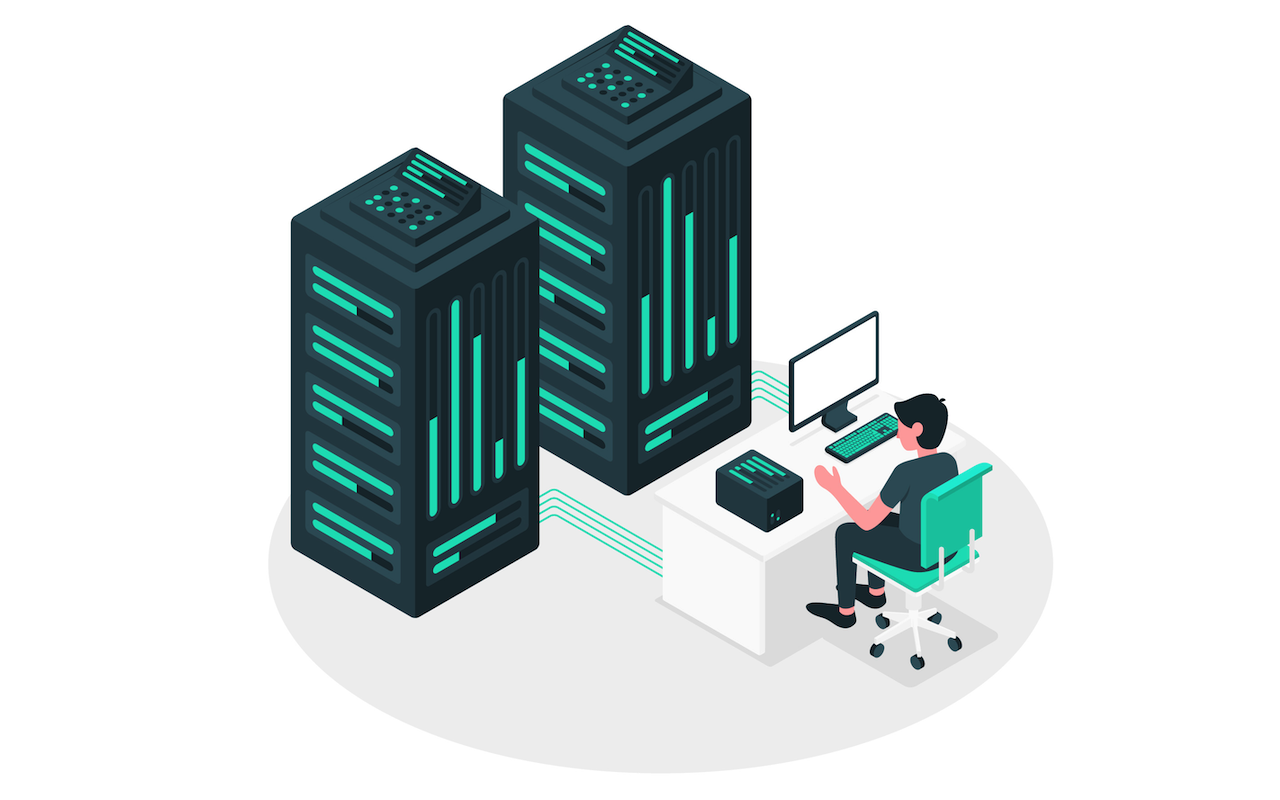
A proxy server acts as an intermediary between the user and the website. Without it, websites can identify a user's location through their IP address and collect various technical data. With a proxy in place, this process becomes more difficult, as the server masks your IP and hides parts of your digital fingerprint. Reliable proxy services are available for both personal and business use.
Why Use a Proxy?
Proxies serve many purposes, from enhancing privacy to solving business challenges. Here are some of the key benefits:
- Anonymity: A proxy changes your IP address, making it harder for third parties to track your online activity.
- Access control: You can block access to certain websites, like social media, during work hours.
- Faster browsing: Cached data allows frequently visited pages to load more quickly.
- Content filtering: A proxy can block ads, malicious websites, and unwanted content.
Proxies are also widely used by businesses and professionals:
- Traffic monitoring: Companies can track employee activity online.
- Improved security: Proxies help protect against data leaks and secure internet interactions.
- Marketing and analytics: They assist in gathering data about user behavior and targeting ads more effectively.
How Does a Proxy Server Work?
A proxy server stands between the user and the target website. Here's how it works:
- The user connects to the proxy server.
- The proxy processes the request, modifies the client data, and forwards it to the website.
- The website responds to the proxy, which then passes the response back to the user.
In the end, the website "sees" the proxy, not the actual user.
Proxy Server vs. Proxy IP: What’s the Difference?
Although these terms are often used interchangeably, they refer to different things:
- Proxy server is the system or software that handles your internet traffic.
- Proxy IP is the address that replaces your real IP while browsing.
Beyond IP masking, proxies can also hide additional data like your operating system, location, browser details, and more, all helping to reduce tracking risks and safeguard your online identity.
Proxies operate on the application layer (L7) of the OSI model, supporting protocols like HTTP(S), SOCKS, and others.
How to Choose a Reliable and Secure Proxy Provider
When selecting a proxy service, it’s important to evaluate several key factors to ensure security, performance, and suitability for your needs. A good proxy provider should offer:
- Privacy Protections: Ensure the provider has a clear privacy policy and does not log user activity.
- Protocol Support: Look for support for protocols such as HTTP, HTTPS, and SOCKS5, depending on your use case.
- IP Options: Check whether they offer shared or dedicated IPs, and whether IPv4 and IPv6 are available.
- Location Diversity: A wide range of server locations can help bypass geographic restrictions and improve speed.
- Connection Stability: Reliable uptime and fast response times are essential, especially for business or automation tasks.
- Customer Support: Responsive support can be crucial if technical issues arise.
Before committing, consider testing the service if a trial or demo is available. Some of the popular proxy providers include proxy-man.com, Bright Data, Oxylabs and Decodo. Also, review user feedback on independent forums or sites to gauge long-term reliability and trustworthiness.
Conclusion
Proxy servers play a vital role in enhancing online privacy, improving network performance, and supporting a wide range of personal and business activities. By acting as a barrier between users and websites, proxies help safeguard sensitive data, manage content access, and streamline internet usage.
Whether you're looking to maintain anonymity, filter content, or scale your operations securely, understanding how proxies work—and how to choose a reliable provider—is essential. By evaluating features such as protocol support, IP options, and connection stability, users can make informed decisions that match their specific needs.
With the right proxy setup, individuals and organizations can navigate the web more securely, efficiently, and with greater control over their digital footprint.
Featured Image by Freepik.
Share this post
Leave a comment
All comments are moderated. Spammy and bot submitted comments are deleted. Please submit the comments that are helpful to others, and we'll approve your comments. A comment that includes outbound link will only be approved if the content is relevant to the topic, and has some value to our readers.
Comments (0)
No comment