

How Your IP Address Changes When You Travel
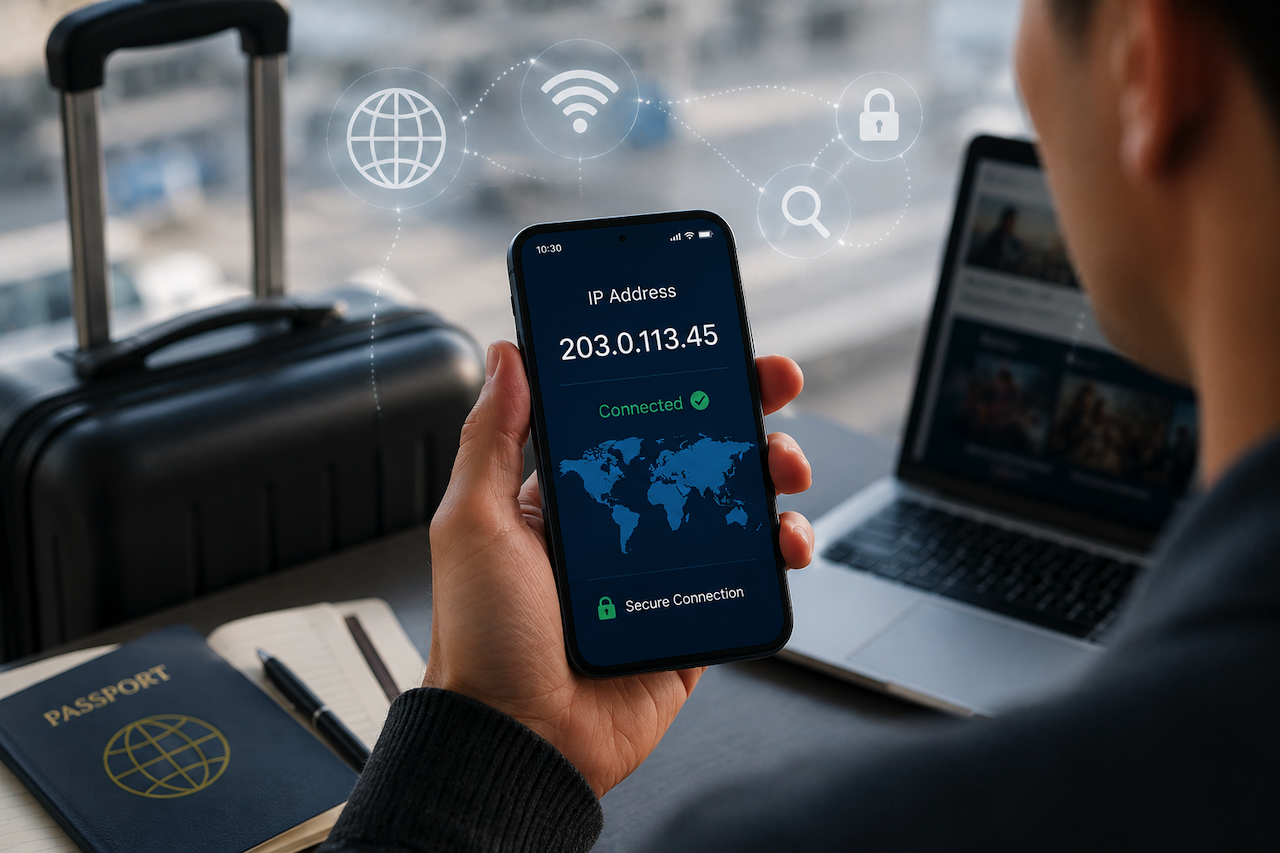
Your plane lands in a new country. You turn your phone on. Instantly, your IP address has changed. Your maps reroute, streaming apps show different content, and some of your accounts might lock you out completely.
Most travelers don't think about this until something stops working. But it’s worth asking: what happens to your IP address when you travel internationally?
This article covers how IP geolocation works when you travel, what determines the new IP address you get, and the practical implications for streaming, banking, and SaaS tools.
What Happens to Your IP Address When You Travel?
Your IP address is assigned by the network you connect to, not by your phone, SIM card, or home country. The instant you join a new network, you receive an IP address from that network.
- Your home IP doesn't travel with you: The IP your ISP assigned at home stays tied to that physical connection. Your phone or laptop carries no IP address with it when you travel. Every new network hands out a new one from its own pool.
- Airport Wi-Fi assigns you the airport's IP: Most travelers connect to the free airport Wi-Fi first. That network runs through a commercial internet provider, and the IP address you get belongs to that provider's pool. Geolocation databases usually map this IP to the airport's metro area.
- Roaming sometimes keeps your home IP: This happens because your cell company sends your internet traffic back to your home country first. For example, a traveler from London walking around New York might still look like they are in the UK to websites. To get a local IP address right away, you have to connect directly to a local network instead.
Why Does Your IP Address Matter for Everyday Apps and Services?
When you travel, the IP address you use affects what content and services you can access.
- Streaming libraries vary based on your IP address: Netflix, Hulu, Max, and Disney+ all use IP geolocation to determine which catalog to serve. The content available to you depends on the IP address you're connecting from at that moment.
- Banking and two-factor authentication may flag unfamiliar IPs: Banks often check your IP address as part of their security process. Connecting from a new country or region can trigger additional verification steps or account security checks.
- Geo-restricted tools and SaaS subscriptions can change behavior: Many websites and business applications adapt their content, pricing, or access controls based on location. A news site may display a different paywall, while a work platform may route you to a regional version of the service.
How Does Your Connection Method Determine Your IP Address?
The IP you end up with depends almost entirely on how you connect, and each option carries very different trade-offs for speed, privacy, and reliability.
- Public Wi-Fi provides a shared IP address but carries security risks: Airports, hotels, and coffee shops often assign IP addresses shared by many users. This can trigger CAPTCHAs, account verification checks, and slower browsing experiences. Public Wi-Fi is also generally less secure because other users on the network may be able to monitor traffic or exploit vulnerabilities.
- Carrier roaming may keep your home-country IP address: Some mobile carriers route internet traffic through your home country even when you are abroad. This can affect geolocation results, increase latency, and lead to higher roaming costs.
- Local mobile data via eSIM or a local SIM card typically provides a local IP address: Connecting through a local carrier gives you an IP address associated with the country you are visiting. Many people activate an eSIM data plan for travelers before a trip so their devices can connect to local networks immediately after arrival and avoid some of the geolocation inconsistencies that roaming can create.
For travelers who need a local connection immediately after landing, having access to an eSIM phone number can simplify account verification, ride-sharing apps, and business communications while abroad. Pairing a local mobile data plan with a dedicated number can reduce reliance on expensive roaming services and provide a smoother experience when accessing location-sensitive apps and services.
How to Check and Verify Your IP Address After Connecting
If you care about the IP address showing up for your apps, check it directly instead of assuming. Taking two minutes to verify can save you hours of fixing a flagged account later.
- Use an IP lookup tool as soon as you connect: Open an IP lookup tool right after joining a new network. Note both the IP address itself and the city that the geolocation database reports. The two do not always match your actual location.
- Cross-check against multiple geolocation databases: Geolocation providers update their databases on different schedules. As a result, various websites and apps may identify your location differently, leading to inconsistent behavior across services.
- Watch for DNS leaks if you're using a VPN: If you are running a VPN while connected to a local network, test for DNS leaks. Otherwise, the IP address you expect websites to see and the location information they actually receive may not match.
Final Thoughts
The IP address you use is the single biggest factor in whether your apps, bank accounts, and work tools behave normally during your trip.
If you choose your connection method rather than automatically connecting to the first Wi-Fi option or relying on your carrier's roaming settings, you can control the IP address that you show to the internet.
In a world that increasingly treats your IP as your identity, knowing which one you're carrying is worth a few minutes of attention.
Featured Image generated by ChatGPT.
Related Articles
June 30, 2026
Why IP Geolocation Is Often Wrong (and How Leased IPv4 Changes It)
Run your own address through an IP lookup tool and there’s a fair chance the result is off — sometimes by a city, sometimes by a country, occasionally by a continent. This isn’t a...
Read More
September 4, 2025
5 Things You Should Know Before Changing Your IP Address
Ever wondered if changing your IP address will make you completely anonymous online? While it's true that switching your IP can give you a fresh digital identity, there's more to t...
Read More
May 9, 2025
Understanding Your IP Address: Why It Changes and What It Means
Ever found it odd why your IP address seems to vary periodically? You are not on your own. Most people don't give their IP address any thought until something odd occurs, like bein...
Read More
Comments
Comments are moderated to keep the discussion useful and respectful. Spam, automated submissions, and low-value promotional comments are removed. Comments with outbound links may be approved when the link is relevant to the article and genuinely helpful to readers.
No comments have been published yet.