

7 Smart Ways to Share Your Contact Information Without a Business Card (2026 Guide)
Let's be honest, running out of business cards at a networking event is one of those small professional disasters that feels bigger than it should. You've just had a great conversation, someone asks for your details, and you're patting your jacket pocket hoping something materializes. It never does.
But here's the thing: in 2026, not having a paper card isn't actually a problem anymore. It might even be an advantage. Over 88% of paper business cards are thrown away within a week of being handed out. The professionals winning at networking right now aren't the ones with the thickest card stock; they're the ones who've figured out how to share contact information without a business card in ways that actually stick.
Here are seven that work.
1. Create a Free Digital Business Card No App Required
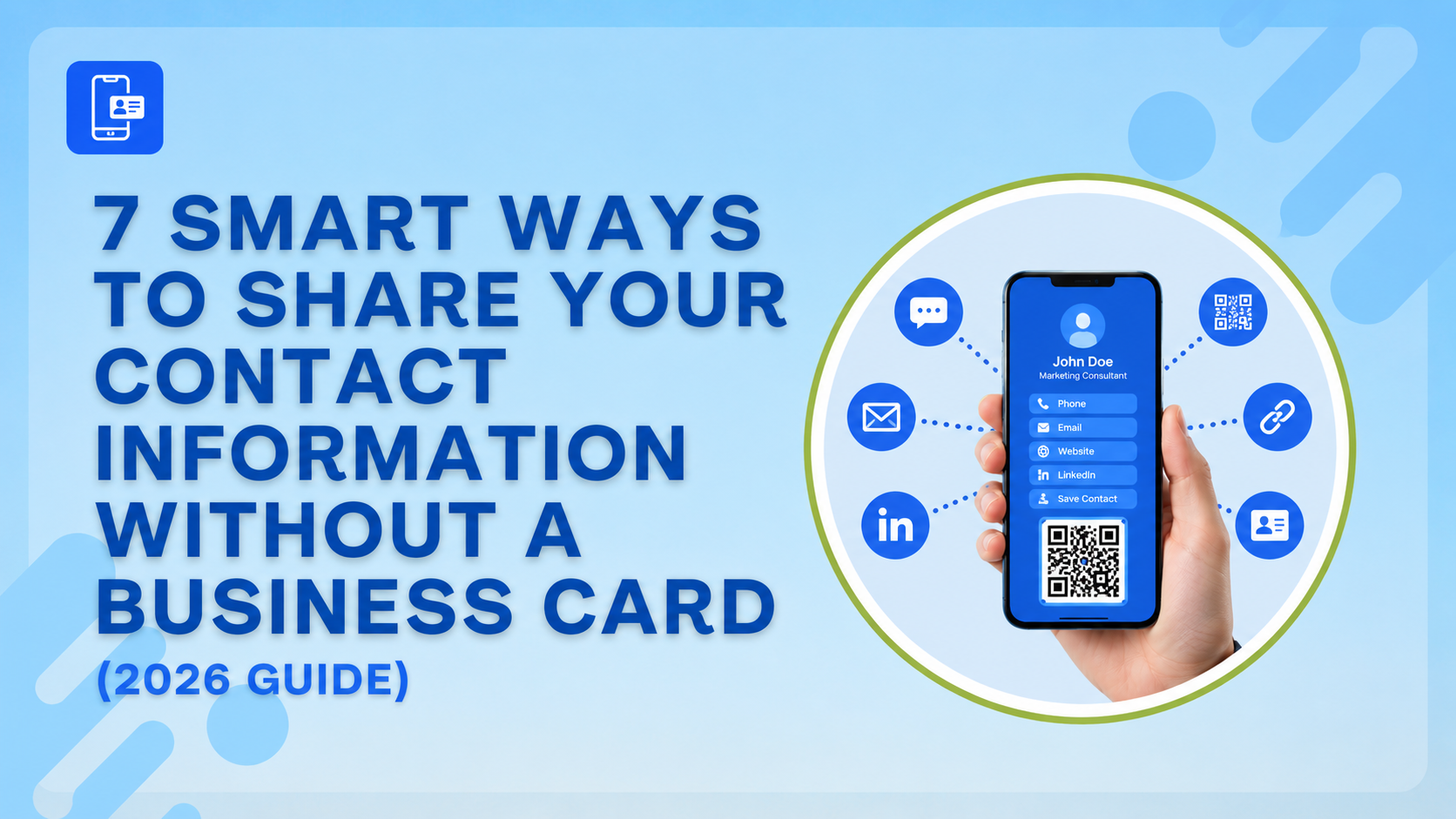
The most direct answer to how to share contact information without a business card is a digital one. A digital business card lives at a URL you can share via text, email, WhatsApp, or QR code. No printing, no running out, no outdated details on a card you printed two years ago.
The best part for small business owners is the cost. A digital business card for small business owners is completely free on online platforms, with no subscription and no app download required on the recipient's end. They click your link, your contact details appear, and they save you in one tap. Done.
If your phone number changes or you get promoted, you update the digital card once, and every link you've ever shared automatically reflects the new information. No reprint, no waste, no explaining to people that the number on the card they have is wrong.
2. Share Your LinkedIn QR Code at Events
If you're figuring out how to network at a conference without paper business cards, LinkedIn's built-in QR code is genuinely underused. Open the LinkedIn app, tap the search bar, and you'll see a QR code icon in the top right corner. That's your personal QR code. Anyone with a smartphone can scan it and land on your profile instantly.
It takes three seconds to pull up, works without a signal on the recipient's phone, and adds a direct connection request right there in the conversation. For conferences, trade shows, or any event where you're meeting people quickly, this is the fastest friction-free contact exchange available right now.
3. Add a Digital Card Link to Your Email Signature
Most professionals send dozens of emails a day and completely ignore the branding opportunity sitting at the bottom of every single one. Learning how to add a business card to your email signature takes about ten minutes and pays off indefinitely.
A simple format works best: your name, title, phone number, and a hyperlink labeled "View my digital business card" that points to your online business card or contact page. Every email you send becomes a passive opportunity to share contact information. Clients, prospects, and collaborators who have never asked for your card directly will still have everything they need to save your details or share them with someone else.
4. Use a QR Code on Your Phone's Lock Screen or Wallpaper
This one sounds slightly unconventional until you try it once. Generate a QR code that links to your digital business card and set it as your phone's lock screen wallpaper. When someone asks for your details, you hand them your phone face-down, and they flip it over and scan the screen without you needing to unlock anything.
It's particularly effective for real estate agents, tradespeople, and anyone working in person with clients regularly. A digital business card for real estate agents works especially well in this format. A prospect can scan your lock screen QR during a property showing and have your full contact details, listings link, and headshot saved before they've walked back to their car.
5. Send a vCard File Directly to Someone's Phone
A vCard (.vcf file) is a contact file that opens directly in someone's phone and saves your details in one tap, no app, no QR code, and no link to click. You can generate one from most digital business card platforms and send it via text message, WhatsApp, or email in seconds.
This is the answer to how to save paper business cards to phone contacts, except in reverse. Instead of someone scanning your paper card with their camera and hoping the text recognition works, you send them a file that adds you to their contacts perfectly, every time. Name, number, email, website, and job title, all formatted correctly.
6. Use an Eco-Friendly QR Code Card Instead of Paper
If you want something physical to hand over without the paper waste and reprint costs, a single reusable QR code card is the most practical eco-friendly alternative to paper business cards available right now.
You print or order one card usually on metal, bamboo, or recycled material with a QR code that links to your digital profile. That one card lasts indefinitely because the profile behind the QR code can be updated anytime. Your contact details have changed. The card doesn't need to. The digital business card market is valued at $199 million in 2026 and growing fast precisely because professionals are tired of paying to reprint cards every time something changes on them. One card, one update, done.
7. Share via Text, WhatsApp, or AirDrop in the Moment
Sometimes the simplest method is the right one. When you're mid-conversation and someone asks for your details, pull up your digital card link and share it via whatever channel makes sense. WhatsApp, iMessage, AirDrop, or even just reading out a short URL.
The Bigger Picture
The real advantage of going digital isn't just convenience. It's that you can actually track who's looked at your card, update details without reprinting, and make a stronger impression than a piece of card that ends up crumpled at the bottom of someone's bag.
If you haven't set up your digital card yet, start with a free template at one of the digital card creators. No design experience is needed; it takes under 10 minutes and covers every method on this list. For a broader look at how professionals are approaching digital contact sharing, LinkedIn's own guide on building your professional presence is worth reading alongside this.
The paper card had a good run. In 2026, this is smarter.
FAQ
FAQs
01How do I share my contact information without a business card at a networking event?
The fastest methods are LinkedIn's built-in QR code, a digital card link shared via WhatsApp or text, or a reusable QR code card. All three work without paper and let the recipient save your details instantly to their phone.
02What is the best free digital business card with no app required?
HiHello, Wave Connect, Blinq, Lynkle, and ShareEcard offer free digital business cards that recipients can access via a link or QR code without downloading any app. The card is fully editable. Update your details anytime without reprinting or resharing.
03How do I update my business card details without reprinting?
Switch to a digital business card. Any platform that hosts your card online lets you edit your details in real time. The link and QR code stay the same, but the information behind them updates immediately.
04Is a digital business card good for real estate agents?
Yes real estate agents benefit particularly because a digital card can link directly to active listings, a booking calendar, and a photo gallery in addition to contact details. Setting it as a QR code on your phone lock screen makes it instantly shareable during showings.
05What is the most eco-friendly alternative to paper business cards?
A single reusable QR code card made from metal, bamboo, or recycled materials linked to a digital profile eliminates reprinting entirely. One card lasts indefinitely regardless of how many times your contact details change.
Comments
Comments are moderated to keep the discussion useful and respectful. Spam, automated submissions, and low-value promotional comments are removed. Comments with outbound links may be approved when the link is relevant to the article and genuinely helpful to readers.
No comments have been published yet.