

Software, Information Technology, Web Development
9 Best Jira Test Management Tools for QA Teams in 2026

Jira is great at tracking work. Stories, bugs, sprints, all of it sits in one place, and your whole team already lives there. But the moment you try to run structured testing inside plain Jira, the cracks show. There is no real test case repository. No test cycles. No pass-or-fail history you can trust six months later. You end up stuffing test steps into ticket descriptions and hoping nobody needs to find them again.
That gap is what Jira test management tools fill.
This guide covers nine of them. Some live inside Jira as native apps. Others are standalone platforms that sync over an API. Both work. Which one fits depends on how many people touch Jira versus how many actually test. We checked every integration claim against each vendor's own docs and the Atlassian Marketplace in August 2026. Pricing shifts often, so confirm before you spend.
What Is a Jira Test Management Tool?
A Jira test management tool adds proper testing features to Jira: test case creation, planning, execution cycles, requirements traceability, and QA reporting. Jira handles issues and project tracking well. It was never built to manage software testing. Put simply, Jira is an issue tracker, and a test management tool is a QA system of record. One tells you what work exists. The other tells you whether the product works before you ship it.
These tools connect to Jira in two ways.
- Jira-native apps. The tool runs inside Jira. Test cases become Jira issues or sit in a panel on your issue screens. Nobody leaves Jira.
- Standalone platforms. The tool has its own interface and database. It syncs test cases, results, and defects back to Jira via an integration and usually charges per tester rather than per Jira user.
Neither is better in every case. Teams that want dedicated test case management while keeping Jira for development and issue tracking can look at a Jira test management tool that keeps both systems in sync. Your testers get a real test repository and your developers still see everything they need inside Jira.
Why Use a Test Management Tool With Jira?
Because plain Jira makes QA people improvise, and improvising does not scale. Bolt a real test management layer onto Jira, and you get:
- One home for test cases. Reusable cases in suites with version history, not scattered across a hundred tickets.
- Real traceability. Trace a requirement to its test cases to its results to any defect. When an auditor or a nervous VP asks what got tested, you have an answer.
- Linked defects and live visibility. A failed test automatically links to a Jira bug, and test runs, cycles, and pass/fail rates show release readiness rather than guesswork.
- Less manual reporting. Dashboards update themselves. Your QA lead stops spending Friday afternoons building status decks.
Everyone benefits differently. QA engineers create and run cases, QA managers track coverage and metrics, developers see defects without leaving Jira, and product and release managers read release readiness straight off the dashboards.
How We Evaluated These Tools
We weighed Jira integration depth, test case management, traceability, manual and automated execution, CI/CD hooks, reporting, API access, ease of use, and pricing. One thing we refused to fudge. We only call an integration native if the tool genuinely runs inside Jira. If it syncs over an API, we say so. Plenty of roundups slap a native badge on everything, and that helps nobody when you are trying to buy.
The 9 Best Jira Test Management Tools
1. Kualitee

Kualitee is an AI-powered test management platform. It runs as a standalone app and connects to Jira via a free plugin on the Atlassian Marketplace. The sync goes both ways. Create or update a defect in Kualitee, and it appears in Jira. Do it in Jira, and it flows back. Your stories map to requirements, your test cases sit in Kualitee, and everyone stays aligned.
Best for. Agile QA teams that want a full test repository and AI help without paying for every Jira user in the building.
Key features.
- Test case management with reuse, plus requirement traceability from stories to defects
- Two-way Jira sync with basic and custom field mapping
- Built-in defect management with severity, priority, and status workflows
- Manual and automated test execution with live result tracking and QA dashboards
- Hootie AI, which generates test cases from written requirements or a UI screenshot
- GitHub, GitLab, Jenkins, Azure DevOps and Slack integrations, a REST API and a mobile app
Jira integration: Standalone platform with a free Marketplace plugin and real-time two-way sync. You need admin rights in both tools to set it up.
Pricing: Starts at $12 per user per month. There is a free Growth plan for up to 3 users that includes AI credits, which is rare at the free tier.
Pros: Priced per tester, not per Jira user, so a small QA team inside a big Jira org does not overpay. Free two-way sync, a real free plan, and included AI test generation lower the cost of trying it.
Cons: Testers work in Kualitee, not inside the Jira UI, so there is some context switching. Teams that need everything to live literally inside Jira issues may prefer a native app.
If your Jira instance has 200 people and 12 of them test, Kualitee's pricing model is the honest win. You pay for the 12.
2. Xray
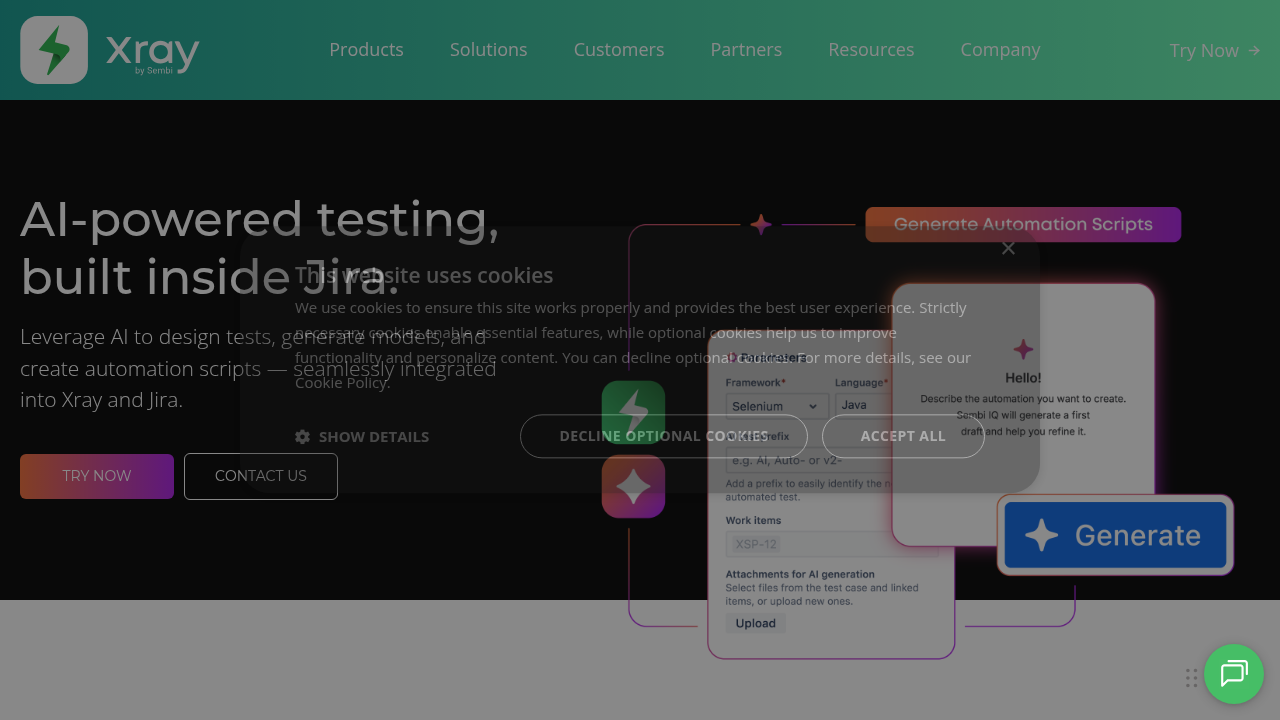
Xray is the most-installed test management app on the Atlassian Marketplace and is fully native. Tests, plans, executions, and defects all become Jira issue types, with strong Gherkin and Cucumber support and solid requirements traceability. Nothing syncs to a second system because there is no second system.
Jira integration: Native app, as inside Jira as it gets.
Pricing: Marketplace, tiered by your Jira user count, not a flat per-tester rate.
Best for: Jira-centric teams that lean on BDD or need deep traceability inside Jira.
Watch out for: You pay against your total Jira user tier, and test plans have a learning curve.
3. Zephyr Scale
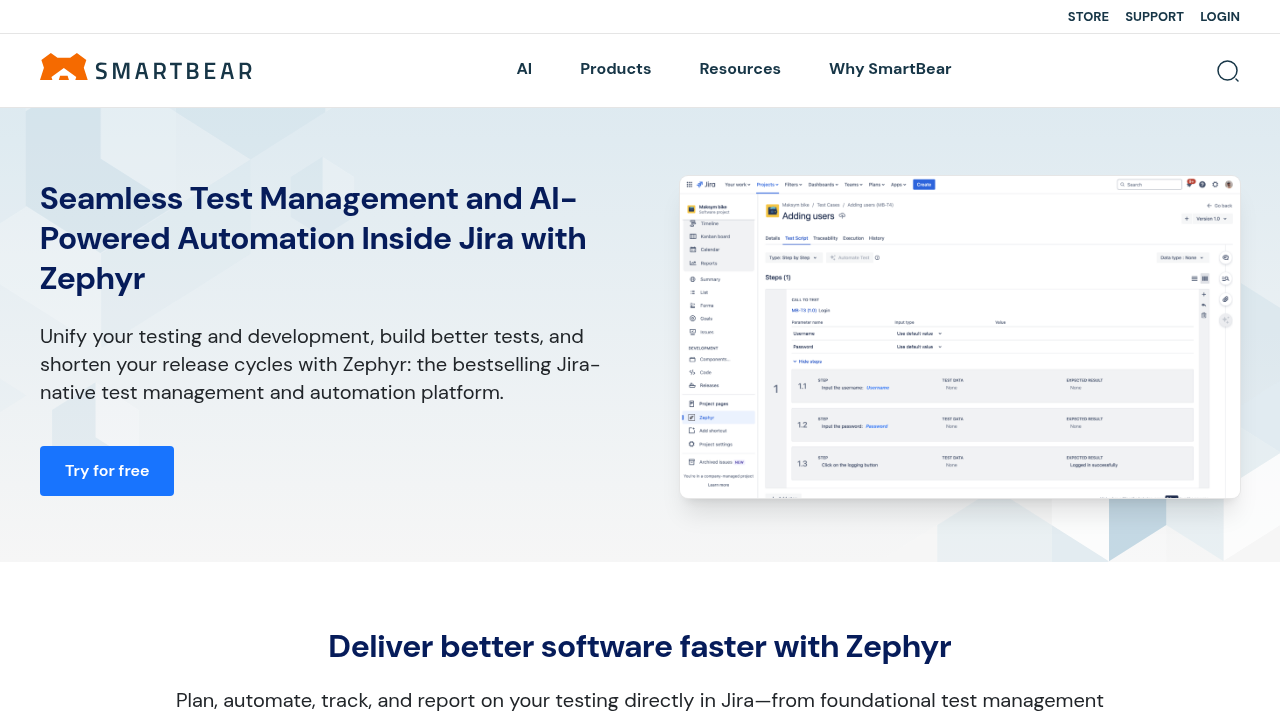
Zephyr Scale is SmartBear's native Jira app. Unlike Xray, it keeps test data in its own model and links it to Jira issues rather than turning every test into an issue. You get a folder-based hierarchy, test cycles, parameterized tests, and cross-project reporting while staying close to Jira.
Jira integration: Native app, with a Cloud standalone version for teams that want Zephyr without Jira.
Pricing: Starts around $10 per user per month, tiered by Jira users.
Best for: Agile teams that live in Jira but want structured folders and reusable steps.
Watch out for: It is priced against Jira users, and some report migration size limits and slow support.
4. QMetry

QMetry Test Management for Jira, or QTM4J, is a native app built for agile and DevOps teams. It turns Jira into something close to a full ALM tool with end-to-end traceability from stories to defects, Gen AI for test case generation and flaky test detection, and an eSignature module for 21 CFR Part 11 compliance.
Jira integration: Native app.
Pricing: Starts around $25 per user per month, or roughly $99 per month for a block of 10 users.
Best for: Regulated teams that need compliance-grade reporting inside Jira.
Watch out for: It is pricier than lighter tools, and some reviewers cite occasional performance issues.
5. PractiTest

PractiTest is a standalone platform built as a testing hub. It pulls results from wherever your testing happens and syncs requirements and issues with Jira in real time, both directions. It handles manual, automated, scripted, and exploratory testing in one place, supports multiple Jira instances, and carries SOC 2 Type 2 and ISO 27001 compliance.
Jira integration: Standalone with real-time two-way API sync.
Pricing: Around $49 per user per month.
Best for: Full lifecycle test management across teams, especially in regulated industries.
Watch out for: Higher per-user cost than most tools here, and the interface feels dated.
6. Testmo
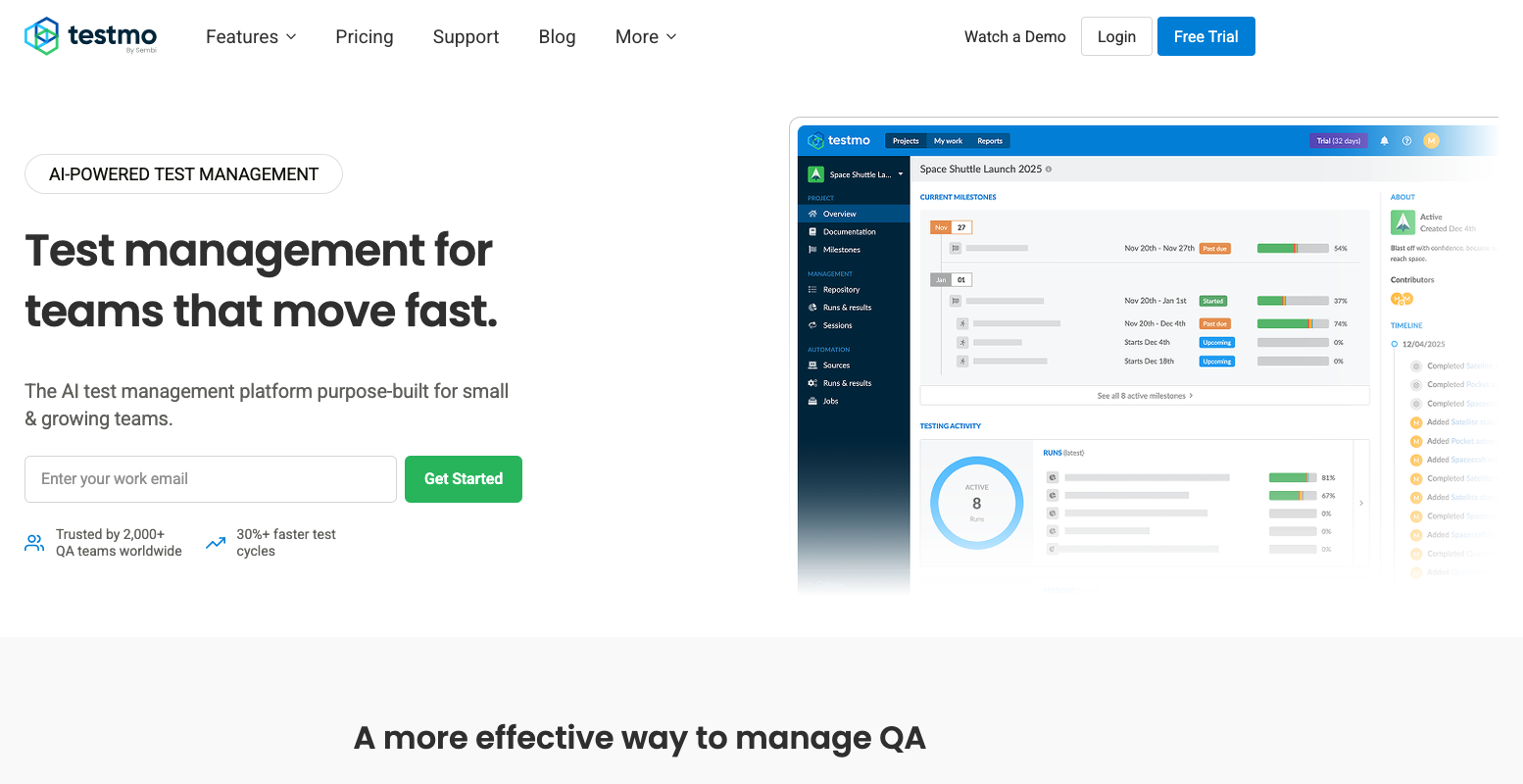
Testmo is a standalone platform that unifies manual, exploratory, and automated testing. It pushes issues to Jira live and pulls automated results in from your CI pipeline through a CLI and REST API. The full feature set ships on every tier instead of being gated behind upgrades.
Jira integration: Standalone with issue push and API sync.
Pricing: Starts around $99 per month for a Team block of roughly 10 users, trial only, no free plan.
Best for: Teams that want manual and automated testing tracked in one clean interface.
Watch out for: block-based pricing can waste money if your headcount does not fit a tier.
7. Tricentis qTest
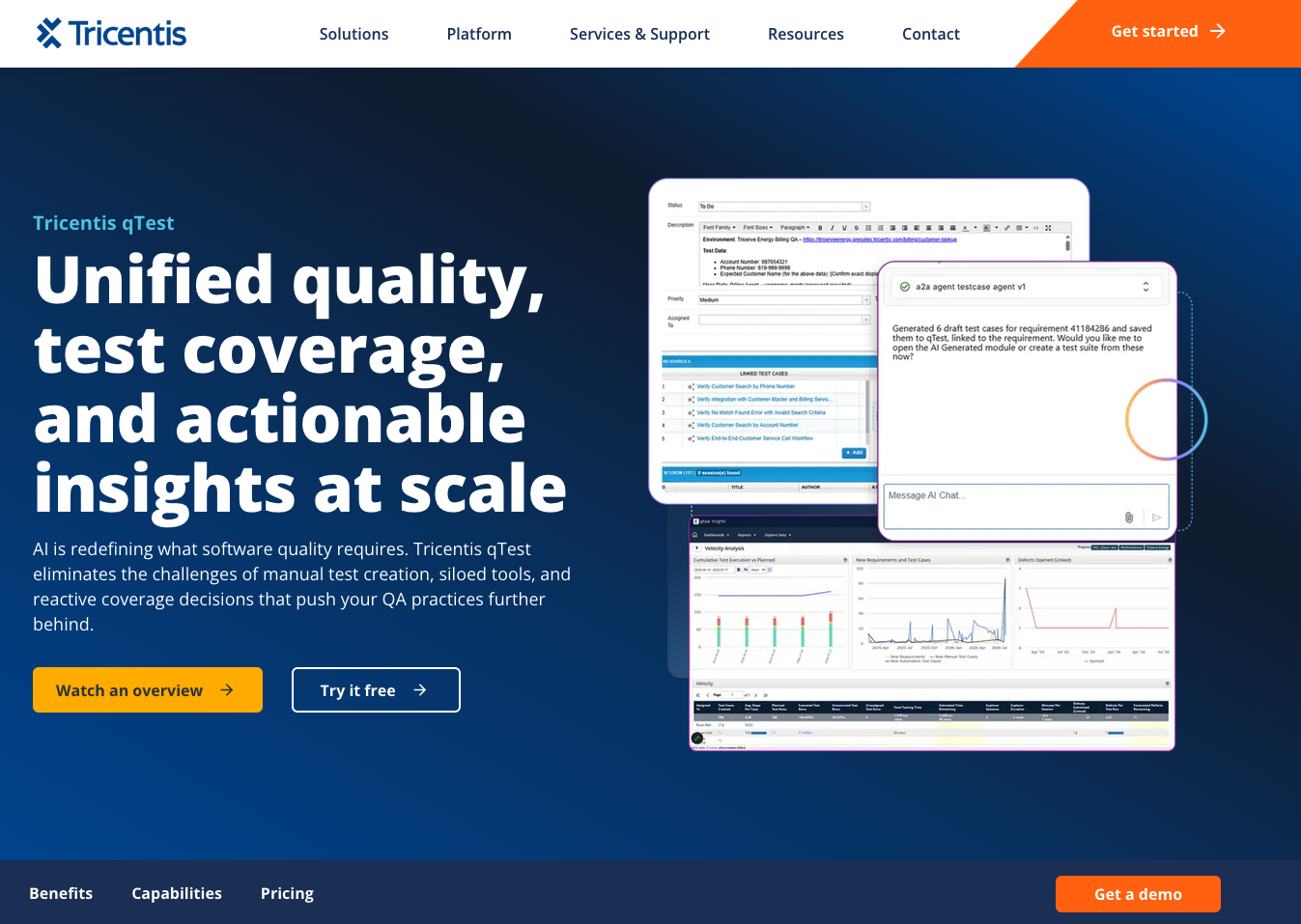
qTest is enterprise test management built to scale across hundreds or thousands of testers. It runs as a standalone platform with a native Jira app component and event-driven API sync, real-time Cucumber file sync, and strong analytics and governance. It fits teams already using Tricentis Tosca.
Jira integration: Hybrid, native app component plus event-driven API sync.
Pricing: Enterprise and custom quoted, not published.
Best for: Large enterprises that outgrew simpler tools or want a unified quality platform.
Watch out for: custom pricing means a sales cycle, and it is overkill for small teams.
8. TestRay

TestRay is a native Jira app that manages test cases, plans, requirements and execution cycles entirely inside Jira issues, next to your backlog and defects. It adds version control, approvals, a traceability matrix and Storm AI for surfacing missing coverage.
Jira integration: Native app.
Pricing: Starts at a $10 per month flat fee for up to 10 users.
Best for: Jira-focused teams that want everything in one window on a small budget.
Watch out for: It is smaller and less established than Xray or Zephyr, and best for teams fully in Jira.
9. AssertThat

AssertThat is a native Jira app built specifically for BDD and Cucumber. You write and manage Gherkin scenarios inside Jira with an editor that has autocomplete and validation, generate scenarios from user stories with AI, and pull automated results back in from Maven, Gradle, Node.js and Jenkins.
Jira integration: Native app.
Pricing: Sold on the Marketplace with a free trial, in Standard and Advanced editions.
Best for: Teams doing behavior-driven development with Cucumber or Gherkin inside Jira.
Watch out for: Narrow focus. If you are not doing BDD, most of it is wasted on you.
Jira Test Management Tools Comparison
Here is the honest version. The integration column tells you whether the tool runs inside Jira or syncs to it. That single fact shapes your pricing and your daily workflow more than any feature.
| Tool | Jira Integration | Test Cases | Automation | Reporting | CI/CD | API | Best For |
|---|---|---|---|---|---|---|---|
| Kualitee | Standalone, two-way sync | Yes | Yes | Yes | Yes | Yes | Per-tester pricing |
| Xray | Native | Yes | Yes | Yes | Yes | Yes | Jira-native BDD |
| Zephyr Scale | Native | Yes | Yes | Yes | Yes | Yes | Structured Jira teams |
| QMetry | Native | Yes | Yes | Yes | Yes | Yes | Regulated teams |
| PractiTest | Standalone, two-way sync | Yes | Yes | Yes | Yes | Yes | Full lifecycle testing |
| Testmo | Standalone, API sync | Yes | Yes | Yes | Yes | Yes | Manual and auto unified |
| Tricentis qTest | Hybrid, native + API | Yes | Yes | Yes | Yes | Yes | Enterprise QA |
| TestRay | Native | Yes | Yes | Yes | Yes | Yes | Budget Jira teams |
| AssertThat | Native | Yes | Yes | Yes | Yes | Yes | BDD teams |
The pattern is simple. Native apps keep testers inside Jira and bill by Jira user. Standalone tools bill by tester. If your Jira user count dwarfs your tester count, standalone usually costs less.
Key Features to Look for in a Jira Test Management Tool
Whatever tool you shortlist, check five things. You want test case management with reuse, custom fields and versioning. You want the traceability chain from Requirements to Test Cases to Execution to Defects to Release in one view. You want execution that handles both manual and automated runs. You want failed tests to link Jira bugs with two-way sync so nothing needs manual reconciliation. And you want reporting on self-updating dashboards, plus CI/CD hooks into Jenkins, GitHub Actions, GitLab, Selenium, Cypress and Playwright.
How to Choose the Right Jira Test Management Tool
Start with team size. Small teams and startups lean toward free tiers and per-user pricing, where Kualitee, Zephyr Scale and TestRay have cheap entry points. Enterprises care about audit trails, SSO and compliance, so qTest, PractiTest and QMetry are the ones to weigh. On testing type, BDD teams want Xray or AssertThat, teams juggling manual and automated work want a unified platform like Kualitee or Testmo, and regulated teams want PractiTest or QMetry.
Integrations and pricing are really one question. If your team never leaves Jira, a native app is the easy road and you pay by Jira user. If your stack spans Jira plus GitHub plus CI/CD plus Slack, a standalone platform gives you more room and charges by tester. Count both before you decide.
Conclusion
There is no single best Jira test management tool. The right pick comes down to your testing process, your Jira setup, your automation needs and your budget. Look past the basic integrates with Jira line and dig into test case management, traceability, execution, automation, reporting and how easy the thing is to use day to day.
If your team wants dedicated test management while keeping Jira for development and issue tracking, Kualitee is worth a look. It gives you a real test repository, free two-way Jira sync and per-tester pricing that does not balloon with your Jira user count. Shortlist two or three tools, run a trial with a slice of your real test cases and pick the one your team actually enjoys using.
Comments
Comments are moderated to keep the discussion useful and respectful. Spam, automated submissions, and low-value promotional comments are removed. Comments with outbound links may be approved when the link is relevant to the article and genuinely helpful to readers.
No comments have been published yet.