

Artificial Intelligence, Safety, Information Technology
AI at Work: How Smart Tools Are Changing Workplace Decisions
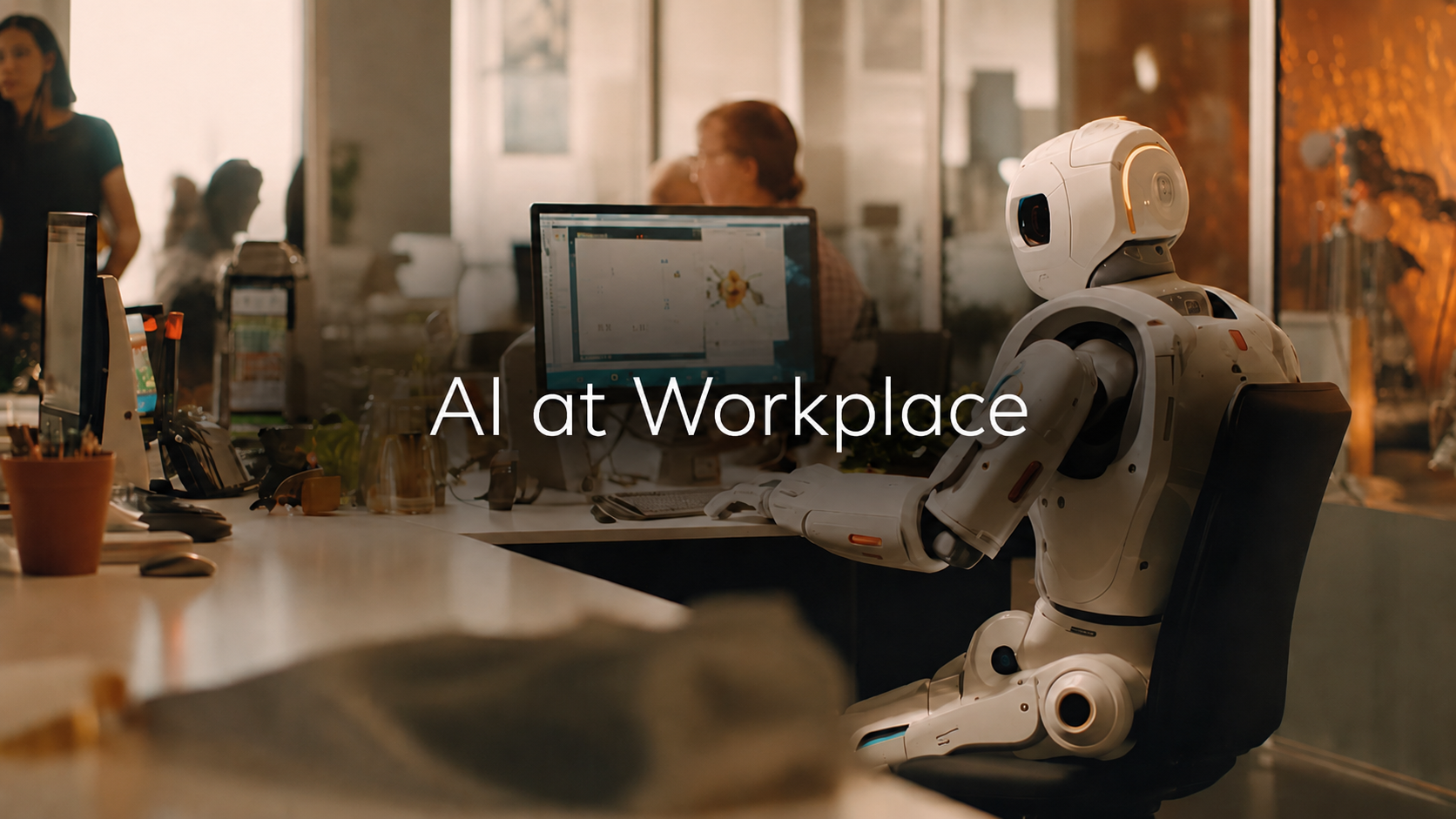
AI is no longer just helping people write faster. It is starting to shape how work gets assigned, reviewed, tracked, and questioned. Inside modern workplaces, smart tools now influence schedules, safety checks, HR responses, performance records, project updates, and incident documentation. That makes AI less of a simple productivity feature and more of a decision layer.
The key question is not whether AI can save time. It is whether workplaces can use it without losing context, fairness, and human judgment.
The New Decision Layer
Most companies first bring AI into the workplace through small tasks. It summarizes meetings, drafts updates, sorts messages, creates reports, and answers internal questions.
Those tasks sound basic, but they quickly affect decisions. A meeting summary can shape what a manager remembers. A scheduling tool can influence who gets more hours. A dashboard can make one employee look overloaded and another look underused. A safety alert can decide which issue gets attention first.
That is the new decision layer. It sits between workplace activity and human judgment.
| Workplace area | What AI now helps with | Why the decision matters |
|---|---|---|
| Team planning | Summarizing updates, deadlines, and blockers | Managers may prioritize work based on filtered information. |
| HR support | Sorting policy questions, onboarding requests, and employee tickets | Fast answers are useful, but sensitive cases need human review. |
| Scheduling | Matching availability, workload, demand, and shift patterns | Weak inputs can create unfair or repeated pressure on workers. |
| Safety operations | Reviewing incident logs, inspection notes, and risk reports | Missed context can affect prevention and accountability. |
| Performance review | Pulling task history, activity data, and feedback patterns | Numbers can look objective even when the record is incomplete. |
The benefit is clear. AI helps teams see patterns faster. The risk is also clear. A tool that filters information can also flatten reality.
Where AI Actually Helps
AI works best when the workplace problem is repetitive, document-heavy, and measurable. It can sort scattered information, compare patterns, and turn long records into readable summaries.
It is useful when:
- Managers need to compare large volumes of routine updates without reading every message manually.
- Employees need help drafting reports, checklists, summaries, and internal communication.
- Operations teams need to spot repeated delays, missed steps, equipment warnings, or unusual activity patterns.
- HR teams need to organize employee requests, training records, policy acknowledgments, and documentation trails.
Gallup reported in 2026 that half of employed American adults use AI in their role at least a few times a year, with daily use still much lower. That gap shows where workplace AI really stands. It is growing fast, but it is not yet equally trusted, understood, or embedded across every role.
The value is not only speed. The value is visibility.
A manager can see delayed tasks before a weekly meeting. HR can notice repeated confusion around the same policy. A supervisor can see that safety checks are being missed at the same time each week. AI makes these patterns easier to notice, but it does not automatically explain why they happened.
The Best Use Case: Decision Support, Not Decision Replacement
The strongest workplace use of AI is decision support. The weakest use is silent decision replacement.
Decision support means the tool organizes information, and a human still owns the final call. Decision replacement means the AI output quietly becomes the answer.
That difference matters because workplace decisions affect schedules, pay, promotions, discipline, safety, workload, and benefits.
| Step | Good workplace practice | Weak workplace practice |
|---|---|---|
| Data collection | Use clean, relevant, time-stamped records. | Feed the tool incomplete data and trust the result. |
| AI review | Let AI summarize, compare, flag, or categorize information. | Let AI make sensitive judgments without review. |
| Human check | Have a manager, HR lead, or safety lead review context. | Accept the output because it looks polished. |
| Record keeping | Save original records with AI summaries. | Keep only the AI version and lose key detail. |
| Employee impact | Let people question or correct records. | Let automated records affect people without explanation. |
An AI summary may say an employee missed a process step. A human reviewer may discover the process changed that day, the system was down, or the employee followed a supervisor’s instruction. AI can flag the event. It cannot fully understand the workplace reality on its own.
Why Workers Are Still Uneasy
Workplace AI is not landing the same way for everyone. Pew Research Center reported in 2025 that more U.S. workers felt worried than hopeful about future AI use at work. That matters because AI adoption is not only a technology issue. It is also a trust issue.
Workers are asking practical questions:
- Will AI be used to judge my performance?
- Can I correct a wrong record?
- Will monitoring tools turn normal work pressure into a negative score?
- Will my manager understand how the tool reached its answer?
- Will AI treat different workers fairly?
These concerns are reasonable because workplace data is rarely perfect. A productivity dashboard may miss offline work. A shift tool may not understand personal constraints. A chatbot may answer a policy question without knowing the employee’s actual situation.
AI can make a workplace feel smarter. It can also make it feel colder if people are reduced to scores, alerts, and system notes.
The Hidden Problem: Context Loss
The biggest workplace AI risk is often context loss. Context loss happens when a messy real-world situation becomes a clean-looking output. The summary may be easy to read, but it may leave out details that change the meaning.
For example, an AI system may summarize an incident as “employee failed to follow procedure.” That sentence may hide several facts. The procedure may have changed. The training may not have happened. The equipment may have been faulty. The shift may have been understaffed. The employee may have reported the issue earlier.
The AI output is faster to read. The original record is still more important.
This is especially important in safety, HR, scheduling, and performance review. These areas involve real people, not only workflow data.
How Smart Tools Change Safety Decisions
Safety is one of the clearest examples of AI’s workplace impact. Many workplaces now use digital checklists, access logs, camera systems, equipment sensors, wearable devices, inspection apps, and maintenance platforms.
AI can sit on top of those records and look for risk patterns. It can identify repeated equipment faults, missing inspection entries, incident clusters, and unusual activity. It can also summarize long maintenance histories before a supervisor makes a decision.
That can help prevent problems, but only when the workplace asks the next question.
A tool may show that incidents increased during a certain shift. A deeper review may show that the shift had fewer experienced workers, rushed handovers, poor training, or outdated equipment. The AI alert is useful only when humans investigate its cause.
When Workplace Records Become Serious
AI can organize workplace information, but it does not replace careful review. A dashboard may show when a task was assigned, when equipment was checked, when a message was sent, or when an incident was reported. Those details still need to be read alongside workplace policy, medical documentation, supervisor notes, insurance communication, and the actual sequence of events.
That is where a local resource such as a workers compensation lawyer can fit naturally when workplace records, injury documentation, claim steps, and local process need to be understood together after an incident. The point is not to turn a technology article into a legal pitch. The point is that digital workplace records can become important when a real-world workplace event needs careful review.
AI in HR: Helpful, But High-Stakes
HR is one of the most sensitive areas for workplace AI because the decisions are personal. AI may help answer employee questions, screen resumes, summarize performance notes, draft policy documents, or route support tickets.
These tasks can reduce admin work, but they also carry risk.
A useful HR tool should do three things well.
- It should show sources: If an AI assistant answers a policy question, employees should be able to see the policy it relied on.
- It should separate routine tasks from sensitive decisions: Drafting an onboarding checklist is not the same as recommending discipline, termination, promotion, or accommodation decisions.
- It should allow correction: If employee records are wrong or incomplete, the system should not keep producing confident answers from bad inputs.
AI can help HR teams move faster. It should not become a quiet authority over people’s working lives.
Performance Data Needs a Warning Label
AI makes performance data look more complete than it often is. A tool can count messages, tickets, calls, logged tasks, completion times, missed deadlines, and response speed. These numbers may be useful, but they do not always measure quality, mentoring, problem-solving, offline work, or task difficulty.
This is why AI-backed performance review can become unfair when managers mistake activity for value.
A support worker who closes fewer tickets may be handling harder cases. A warehouse employee with slower task time may be training a new hire. A project manager who sends fewer messages may be solving problems through live conversations. A good performance review uses AI as one input. A weak performance review treats AI-generated patterns as proof.
The Governance Test
A workplace is ready for AI only when it can answer basic governance questions.
A practical review should ask:
- What decision does this tool influence, and is that decision low-risk or high-risk?
- What records does the tool use, and who checks whether those records are complete?
- Can employees understand when AI is involved in a decision that affects them?
- Is there a human reviewer for safety, HR, scheduling, discipline, and performance decisions?
- Are original records saved beside AI-generated summaries?
- Can workers correct wrong information before it affects a decision?
This is not extra paperwork. It is the difference between useful AI and workplace confusion at scale.
What Good AI Use Looks Like
| Use case | Safe AI role | Human role |
|---|---|---|
| Meeting summaries | Capture action items and unresolved questions. | Confirm accuracy before decisions are made. |
| Scheduling | Suggest coverage based on demand and availability. | Check fairness, fatigue, and exceptions. |
| Safety monitoring | Flag repeated issues or missed checks. | Investigate causes and update safety steps. |
| HR support | Answer routine policy questions. | Review sensitive employee-specific matters. |
| Performance review | Provide supporting data and trend summaries. | Judge quality, context, and fairness. |
| Incident documentation | Organize timelines, messages, and reports. | Compare records with source material and witness accounts. |
The pattern is simple. AI should reduce the information burden. It should not remove responsibility from the people making decisions.
Mistakes Companies Should Avoid
Many workplace AI failures come from poor deployment, not poor technology.
- Adding AI before defining the decision it supports: A tool that is helpful for summarizing tickets may become risky if it starts shaping performance reviews without clear rules.
- Training managers only on features: Managers also need to understand the limits of AI outputs.
- Keeping AI use vague: Employees should not have to guess whether a chatbot, dashboard, or scoring tool is influencing decisions about them.
- Saving only AI summaries: Original records matter because summaries compress details, and compressed details can change the meaning of an event.
- Treating AI as neutral because it uses data: Data can reflect bad processes, uneven reporting, missing records, or old bias.
What Employees Should Do Differently
Workers do not need to become AI experts, but they do need stronger record habits.
If workplace tools are becoming more digital, employees should preserve important information in its original form. A cropped screenshot is weaker than a full message thread. An AI summary is weaker than the original report. A dashboard export is more useful when it includes date, time, source, and surrounding context.
Useful records may include shift schedules, task changes, supervisor messages, safety reports, maintenance tickets, incident forms, HR responses, medical notes, claim communication, and policy updates.
The goal is not to collect everything. The goal is to keep the records that explain what happened, when it happened, who knew about it, and what action followed.
The Future: More Agents, More Oversight
The next stage of workplace AI will not only be chatbots. It will include AI agents that can take action across tools, draft documents, update systems, prepare reports, and coordinate tasks.
That makes workplace AI more useful and more sensitive at the same time.
A chatbot that summarizes a policy is one thing. An agent that changes a schedule, drafts a disciplinary memo, files a support ticket, escalates a safety alert, or updates a claim record is another.
The more action AI can take, the more important approvals, logs, access controls, and human checks become. The workplace of the future will not be judged by how much AI it uses. It will be judged by whether AI makes decisions clearer, fairer, and easier to review.
The Final Take
AI is changing workplace decisions by turning scattered activity into structured signals. That helps managers see patterns faster, helps employees reduce repetitive work, and helps companies respond to risk with more information.
But AI also changes the weight of workplace records. A summary, alert, score, or dashboard can influence how a person is evaluated, scheduled, protected, or questioned. That makes human review more important, not less important.
The best workplaces will use AI as a decision-support layer. They will keep original records, explain how tools are used, review sensitive decisions manually, and give workers a way to challenge incomplete or incorrect information.
AI at work is not only a productivity story. It is a decision story. The companies that understand that difference will use smart tools with more confidence, fewer blind spots, and stronger accountability.
Disclaimer
This article is intended as a general informational overview of how AI tools are shaping workplace decisions; it summarizes trends, risks, and best practices but may not reflect the latest products, policies, or research. Details and examples are illustrative rather than definitive, and specific outcomes depend on local context, data quality, and governance.
For important workplace choices—about scheduling, performance evaluation, HR actions, safety procedures, or policy—verify current rules and evidence with up-to-date sources and consult appropriate experts or internal teams (HR, legal, safety, IT) as needed. Use AI outputs as decision support, ensure human review and documented oversight, and allow affected people to review and correct records before final decisions are made.
Comments
Comments are moderated to keep the discussion useful and respectful. Spam, automated submissions, and low-value promotional comments are removed. Comments with outbound links may be approved when the link is relevant to the article and genuinely helpful to readers.
No comments have been published yet.