

Privacy, Productivity, Information Technology
Best Ways to Track Work-From-Home Employees
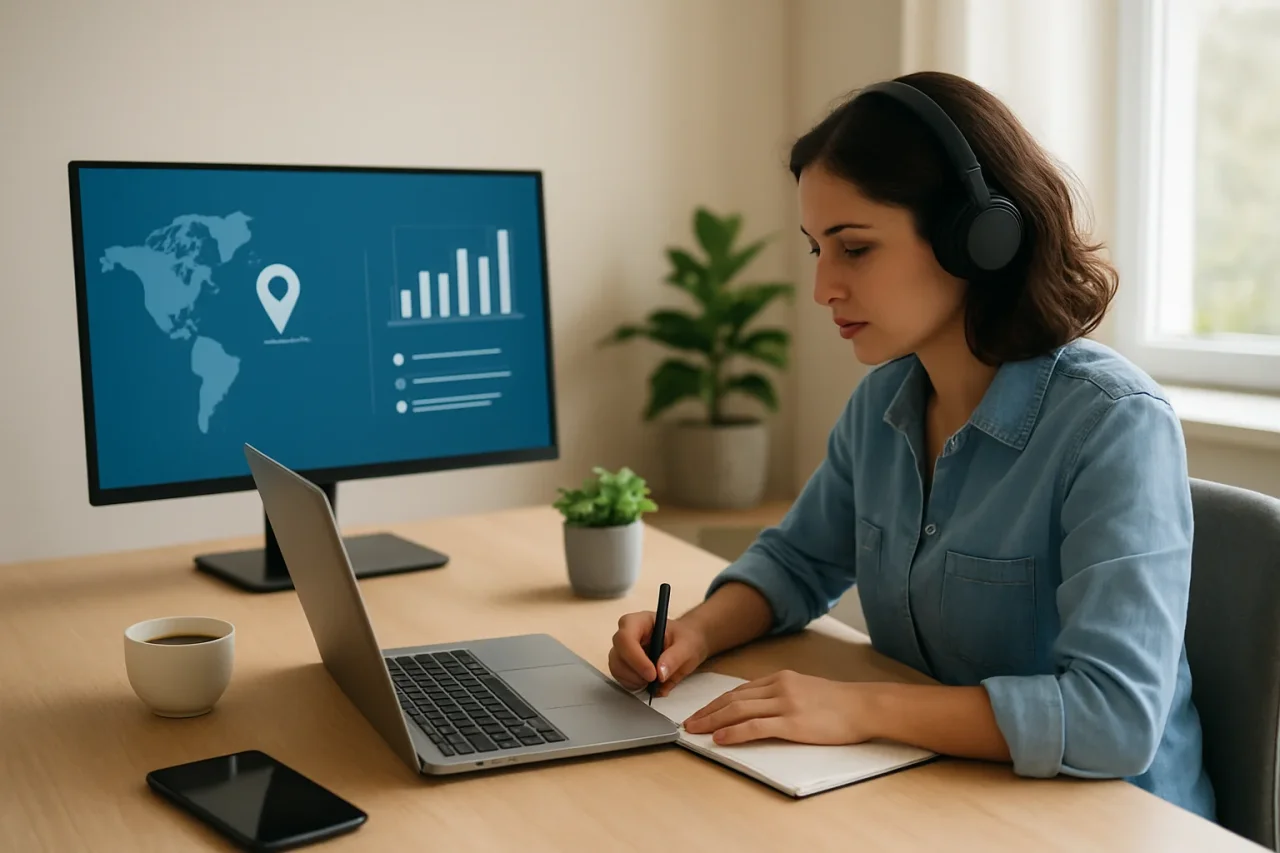
The best ways to track work-from-home employees combine objective data with human context. Automatic time tracking, activity and app monitoring, and KPIs give you the numbers; project tools, check-ins, and self-reporting supply the why. No single method tells the whole story, so most teams get the best results—and keep trust intact—by blending two or three and being transparent about all of them.
When your team is remote, the casual signals an office provides—who's at their desk, who's heads-down, who's stuck—simply vanish. The instinct is to replace them with constant pings, but that's the fast track to resentment and worse output. The better move is to choose a small set of deliberate methods to show whether the work is actually progressing.
That starts with picking the right tools and using them openly. Whether you track work-from-home employees with automatic time logs, activity reports, or KPIs, the goal is visibility into outcomes—not surveillance of every second. This guide walks through the most effective methods, their trade-offs, and how to combine them into an approach your team will accept.
What does it mean to track work-from-home employees?
Tracking work-from-home employees means using digital tools and management habits to understand how work is progressing, without requiring anyone to be physically present. It spans two complementary categories: objective data (hours worked, activity levels, tasks completed) and qualitative context (check-ins, self-reports, peer feedback). The first tells you what happened; the second explains why.
The point isn't to watch people. It's to recreate the awareness a shared office used to provide—spotting blockers early, balancing workloads, and giving fair, evidence-based feedback. Done transparently, tracking supports employees; done covertly, it erodes the trust remote work depends on.
What are the best ways to track work-from-home employees?
The best ways to track remote staff fall into seven proven methods. Each has strengths and blind spots, so think of them as building blocks rather than an either/or choice.
1. Automatic time tracking
Time tracking is the foundation of most WFH setups. It logs when people start and stop work, how long tasks take, and how much idle time occurs—objective data without the friction of manual timesheets. Automatic capture is far more reliable than memory-based logging and surfaces productivity trends across the whole team, not just individuals.
2. Activity and app/website tracking
Activity monitoring shows which applications and sites people use and classifies them as productive, neutral, or unproductive. It's useful for spotting workflow inefficiencies and distractions, and for distinguishing active from idle time. Used as a coaching signal rather than a gotcha, it helps you understand how work actually gets done.
3. Project management tools and task lists
Tools like Asana, Trello, or Jira track assignments, deadlines, and progress in real time. Paired with time data, they show not just how long someone worked but what they produced. Task lists also reveal workload distribution, making it easy to see when someone is overloaded or under-utilized.
4. Goal- and KPI-based tracking
Setting clear, measurable goals—SMART objectives or KPIs—lets you evaluate performance on results instead of presence. Task completion rates, output volume, and deadlines met give you an outcome-based picture that's hard to game and easy to discuss in a review.
5. Regular check-ins and one-on-ones
A predictable rhythm of check-ins provides context that the data can't. A short async update plus a weekly one-on-one keep everyone aligned, surface blockers, and maintain the human connection remote teams need. Research consistently links regular check-ins to higher engagement.
6. Employee self-reporting
Self-reporting—daily or weekly summaries of what someone worked on—captures subjective context and works especially well in small, high-trust teams. Because it relies on honesty, it's best paired with an objective method like time tracking rather than used on its own.
7. Surveys and peer feedback
Periodic surveys and 360-degree feedback reveal team dynamics that activity data misses: collaboration quality, motivation, and shared understanding of goals. Quarterly pulse surveys are a strong complement to the more quantitative methods above.
How do you choose the right mix of methods?
You choose the right mix by pairing at least one objective method with one human method. Objective tools like time and activity tracking give you reliable data but miss context; human methods like check-ins and self-reporting add the why but depend on honesty. Combining them—say, automatic time tracking plus weekly one-on-ones—gives you both numbers and nuance without over-relying on either. Start with two or three methods that fit how your team works, and resist the urge to track everything at once.
Best practices for tracking remote employees
Whatever methods you choose, a few practices keep tracking effectively and trusted:
- Be transparent. Tell employees what you track, why, and who can see it. Put it in a written remote-work policy.
- Give employees access to their own data. Shared visibility turns a tool into shared infrastructure instead of a one-way mirror.
- Focus on outcomes, not activity. Judge results, not raw hours or "active" status—it's fairer and harder to game.
- Limit scope. Track work hours and work tools only; leave personal time and devices alone.
Pro tip: Introduce any new tracking by explaining the benefit to employees—fairer workloads, fewer late-night surprises, protection from burnout. People accept monitoring they understand the purpose of and resist monitoring that feels like suspicion.
FAQ
01What is the best way to track work-from-home employees?
The best approach combines an objective method with a human one—for example, automatic time tracking plus regular check-ins. Objective tools provide reliable data on hours and activity, while check-ins and self-reports add context. Blending two or three methods gives the most complete and fair picture.
02How do you track remote employees without micromanaging?
Focus on outcomes rather than constant activity, review trends instead of single moments, and be transparent about what you track. Set clear expectations and KPIs, then use the data to coach and remove blockers rather than to police, so employees experience tracking as support, not surveillance.
03Can employers track employees working from home?
Yes. Employers can generally track work-from-home employees on company-owned devices for legitimate business purposes, provided they inform employees. Requirements vary by jurisdiction—several regions require written notice—so transparency and a clear policy are both good practice and often legally necessary.
04What should you track for remote employees?
Track outcomes and patterns: tasks completed, progress against deadlines, time and activity trends, and workload distribution. Avoid building decisions on keystrokes or "online" status, which are easy to fake and reveal little about real productivity.
05How do you track productivity of work-from-home employees?
Combine automatic time tracking and activity data with goal-based KPIs like task completion rates, then add regular check-ins for context. This mix shows both how time is spent and what's actually produced, giving you an accurate, outcome-focused view of remote productivity.
Related Articles
June 30, 2026
Document Version Control | Tips to Avoid Costly Errors
Confusion in document versions can cost client trust and time. Learn about the real cost of such errors and find practical document version control tips.
Read More
May 5, 2026
Search by Image: Track Online Profiles
A profile photo can spread across many platforms within hours. Someone may copy it, edit it slightly, and use it for another account. How can anyone tell where it first appeare...
Read More
October 29, 2025
7 Privacy Awareness Tactics Employees Remember
What is the cause of most privacy breaches? Human behavior. A misplaced file, an unchecked link, or a casual overshare often does more damage than a missing patch. In fact, you can...
Read More
Comments
Comments are moderated to keep the discussion useful and respectful. Spam, automated submissions, and low-value promotional comments are removed. Comments with outbound links may be approved when the link is relevant to the article and genuinely helpful to readers.
No comments have been published yet.