

IP Address, Cloud Services, Geolocation
GPT Image 2: How to Automatically Translate & Localize Images by Region
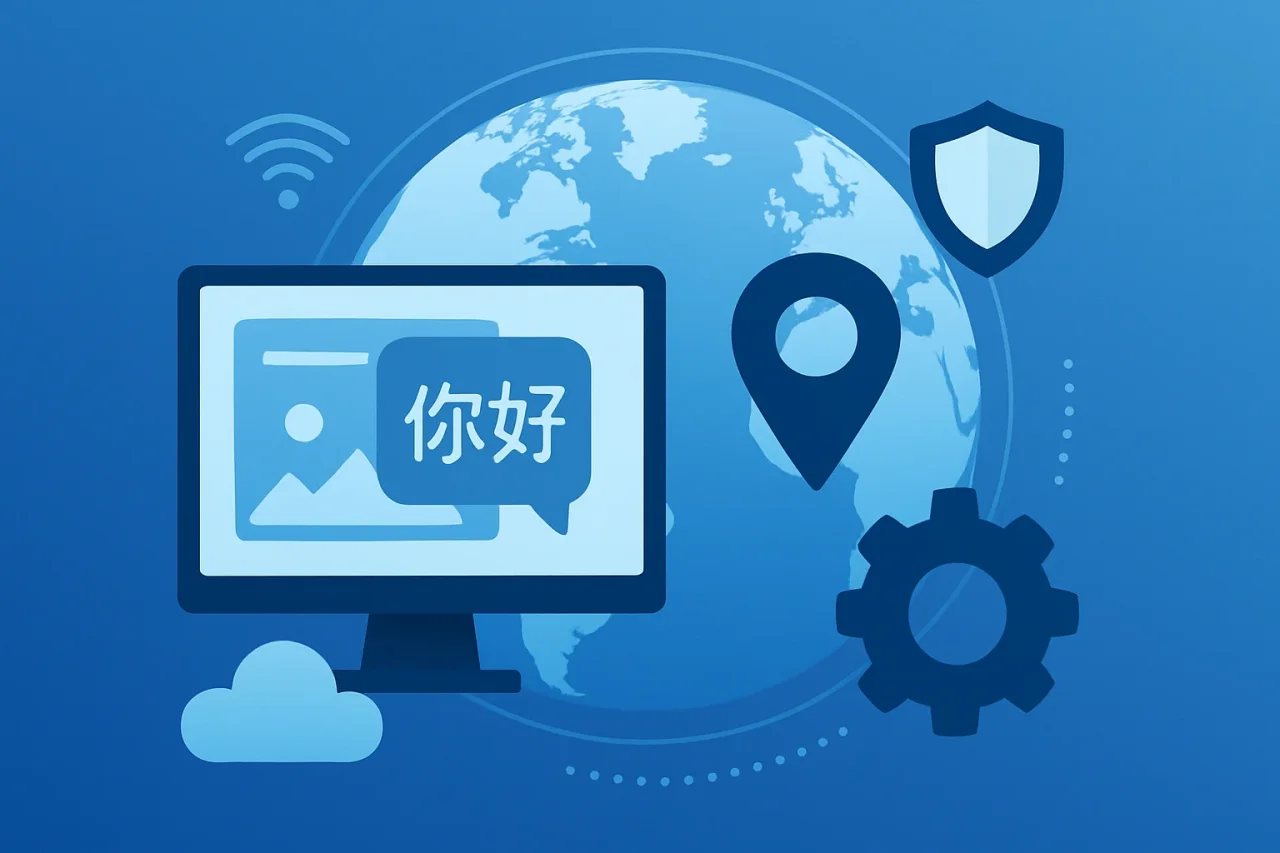
Instant overview: translate images by visitor location
Imagine a French visitor landing on your /fr/ page in 2026 and seeing a hero banner that still reads "Summer Sale – Get 50% off" in English. The page text is localized, but the image text is not. It looks unfinished and unprofessional.
The GPT Image 2 API can be used to translate text within images while preserving much of the original layout, fonts, and design. Acting as an AI image translator, the AI detects text in an existing image, translates it into the target language, and redraws the image while preserving the original layout, fonts, and design. AI image translators can preserve original layouts and styles, meaning your banner looks like it was designed natively for each locale. The result is instant translation across multiple languages, served automatically based on the visitor's location.
Developers can access GPT Image 2 through the OpenAI API or through third-party API providers. For example, platforms such as Apiframe provide access to GPT Image 2 alongside other AI models through a unified API.
Here is a typical localization pipeline:
- Visitor requests a page, and IP geolocation determines their approximate region.
- The region is mapped to a target language and locale code.
- Check your CDN or cache for an existing localized version of the image.
- If none exists, submit an image translation request to GPT Image 2 through your preferred API provider.
- Poll the job status or receive a webhook notification when processing is complete, then store the localized image.
- Serve the cached localized image on subsequent requests for the same locale.
What is GPT Image 2?
GPT Image 2 (also called ChatGPT Image 2.0 or gpt-image-2) is OpenAI's latest reasoning-based image model, released in April 2026. It marked a major leap in how AI-powered tools enhance accuracy in translating complex documents and visual assets. AI tools can now handle bulk image processing for translation at a scale that wasn't practical before.
- Generate, edit, and translate images using a single model, including image-to-image editing that preserves the original design and context.
- Render text in multiple writing systems, including Latin, Chinese, Japanese, Korean, Arabic, Hindi, Bengali, and many others.
- Support high-resolution outputs with multiple quality settings and flexible aspect ratios.
- Follow detailed prompts to preserve layouts, branding, and formatting while translating or editing images.
- Access GPT Image 2 through the OpenAI API or other compatible API services that support the model.
Why GPT Image 2 is built for localization
Localization involves more than simply translating English into Spanish or German. It requires accurate rendering of different writing systems, including Chinese, Japanese, and Korean scripts; Arabic right-to-left text; and Indic scripts such as Hindi and Bengali, while preserving the original design, layout, color palette, and overall composition.
As demand for multilingual content grows, a variety of AI image translation tools have emerged to help automate the process. For example, services such as Transmonkey can translate text within images while preserving much of the original layout and formatting. Many modern image translation tools support multiple languages, common image formats, and batch processing, making them suitable for localizing marketing materials, product images, and other visual content at scale.
GPT Image 2 is designed to render translated text directly within images instead of placing translated text as an overlay. Depending on the source image, it can also preserve much of the original layout and typography.
Concrete localization scenarios include:
- Seasonal campaigns: Translating "Halloween Sale" banners into Portuguese or Japanese while keeping the pumpkin graphics intact.
- Region-specific pricing: Swapping "$29.99" for "€29,99" or "¥3,500" using the appropriate regional formatting.
- Regulatory notices: Rendering GDPR disclaimers and similar compliance notices in the local language within marketing materials and product images.
Translating text inside an image (without rebuilding the design)
The core idea: edit the existing asset, don't regenerate from scratch. This keeps brand visuals, logos, and layout intact, producing a clear translation that matches the original text placement.
Optical Character Recognition (OCR) converts text within images into editable content, making it possible for AI models to identify and translate on-image text accurately. Many image translation workflows combine OCR with AI-powered image editing to preserve the original layout, typography, and overall design while replacing the text.
The typical workflow follows a simple pattern: upload an image, select the source and target languages, process the translation, and download the translated image. When using the GPT Image 2 API, the workflow is API-driven:
- Provide the original image as an input.
- Submit a prompt such as, "Translate all on-image text from Spanish to English while preserving the original fonts, layout, and composition."
- The model redraws only the text regions, leaving the rest of the image unchanged.
This approach works well for localizing marketing materials, application interfaces, presentation slides, product packaging, instructional graphics, and other images that require translated text while maintaining their original visual design.
Detecting visitor region with IP geolocation
To serve the correct localized photo, you first need to know where the visitor is. IP geolocation services map an IP address to country, region, and city, which you then translate into a locale code (e.g., DE → de-DE, CA → en-CA or fr-CA).
Google Translate supports instant translation using camera and text scanning, and Google Lens provides real-time translation by pointing the camera at text, but these are consumer-side tools. Mobile apps can quickly translate text from images using dedicated OCR apps that optimize image-to-text conversion. For server-side automation, IP geolocation is the trigger.
Key practical rules:
- Default fallback: Serve your website's default language when a visitor's location cannot be determined, or their IP address is masked by a VPN or proxy.
- Multilingual countries: For countries such as Canada, Switzerland, or India, combine IP geolocation with browser language preferences (for example, the
Accept-Languageheader) to select the most appropriate locale. - User preferences: If a visitor has already selected a preferred language through an account setting, cookie, or language selector, that preference should take precedence over IP-based detection.
Building the pipeline: IP → language → translated image
Here is how to structure the full flow from visitor request to localized image delivery using an image translation API.
- On page request, run IP geolocation to infer the visitor's approximate region.
- Map the region to a target language and locale code, such as Mexico → es-MX or Germany → de-DE.
- Check whether a localized version already exists in your CDN or cache. If it does, serve it immediately.
- If no cached version exists, submit an image translation or editing request to your chosen API provider.
- Poll the job status or receive a webhook when processing is complete, then store the translated image URL.
- Serve the cached translated image on future requests for the same locale to avoid repeated processing.
For production use, choose an API workflow that supports asynchronous processing, caching, stable image delivery, and clear documentation for handling errors, retries, and file formats.
Editing behavior, latency, and limits to know
GPT Image 2 is powerful but not magic. Understanding its limits helps you build reliable localization workflows and break through language barriers at scale.
- Latency: AI image generation and translation may take several seconds per request, depending on image complexity and the service being used. For high-traffic websites or marketing campaigns, consider pre-generating localized images instead of translating them on demand.
- Prompt clarity: Use specific instructions such as "Translate all on-image text from English to Japanese while preserving the original layout, logo, and text placement." Clear prompts generally produce more accurate results.
- Font and resolution: High-resolution images and clear, legible fonts improve text recognition accuracy. Avoid very small text, low-contrast overlays, or densely packed layouts whenever possible.
- Scaling: For large localization projects, use asynchronous processing, background jobs, and caching to efficiently translate large batches of images while avoiding unnecessary duplicate requests.
- Edge cases: Images with complex backgrounds, decorative fonts, handwritten text, or low-contrast elements may require manual review or a second editing pass to ensure translation accuracy and visual consistency.
Conclusion
Translating text within images is an important part of creating a consistent multilingual experience. By combining IP geolocation with AI-powered image translation, websites can automatically deliver localized visuals that better match each visitor's language and region.
Whether you're localizing marketing banners, product graphics, user interface elements, or documentation, choosing the right workflow—including caching, clear prompts, and quality assurance—can help produce accurate translations while preserving the original design.
FAQ
FAQ: GPT Image 2 for image translation and localization
01How do you translate text inside an image?
- Upload the original image or provide it to an AI image translation model such as GPT Image 2.
- Specify the source and target languages, or allow the model to detect the source language automatically when supported.
- The model replaces the on-image text while preserving the original layout, typography, and overall design as closely as possible.
- Download the translated image or deliver it through your application, website, or CDN. Depending on the service, output formats may include JPG, JPEG, PNG, and other commonly supported image formats.
02What is GPT Image 2?
GPT Image 2 (gpt-image-2) is OpenAI's image generation and editing model. It can generate new images, edit existing ones, and render multilingual text directly within images, making it useful for tasks such as image localization, marketing asset translation, and visual content creation. Developers can access the model via the OpenAI API or other compatible APIs.
03Can GPT Image 2 edit existing images instead of creating new ones?
Yes. Pass an existing image as input, along with instructions such as "translate the headline to French, keep everything else identical." One common approach for localizing banners, video thumbnails, UI screenshots, sign graphics, and marketing creatives is to help preserve brand design with high accuracy. You can drag and drop files or provide a URL. It handles data from the image context to maintain every detail and contact point in the layout.
04How many languages can it handle, and what about non-Latin scripts?
GPT Image 2 supports translation across multiple languages, including English, Spanish, French, German, Portuguese, Chinese, Japanese, Korean, Arabic, Hindi, Bengali, and many others. It is particularly useful for rendering non-Latin scripts directly within images while preserving the original layout. As with most AI image translation tools, the quality of the results depends on factors such as image resolution, text clarity, and the readability of the original fonts.
05How do you access the GPT Image 2 API?
GPT Image 2 can be accessed through the OpenAI API or other compatible API services. A typical workflow involves submitting an image along with editing or translation instructions, monitoring the request until processing is complete, and then retrieving the generated image for use in your application or website.
06Can GPT Image 2 translate handwritten text in images?
It can attempt handwritten text and even manga panels, but the best results come from clear, high-resolution images with legible handwriting. Test on your specific use case before full rollout. Testing on representative images is recommended before using it in production workflows.
Related Articles
June 30, 2026
Why IP Geolocation Is Often Wrong (and How Leased IPv4 Changes It)
Run your own address through an IP lookup tool and there’s a fair chance the result is off — sometimes by a city, sometimes by a country, occasionally by a continent. This isn’t a...
Read More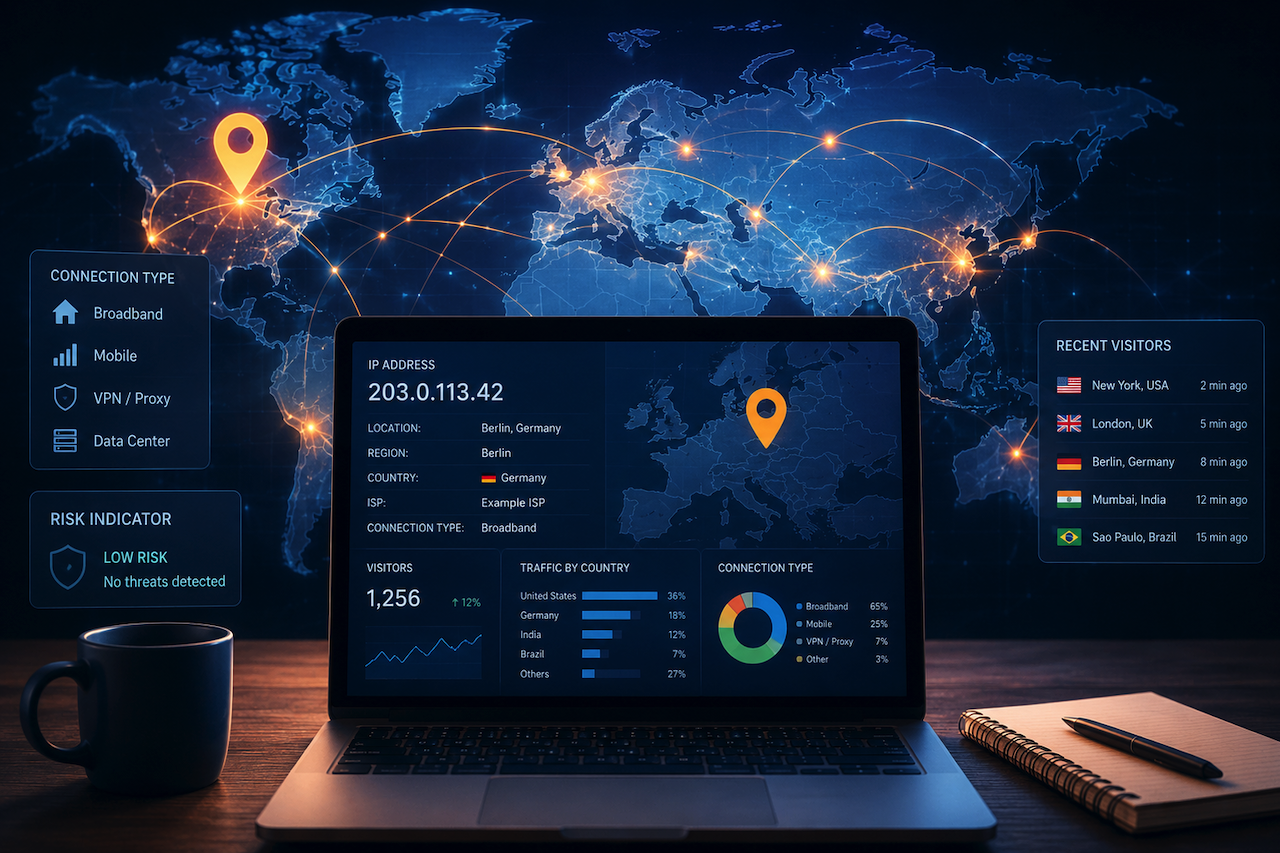
May 6, 2026
What Your Visitors' IP Addresses Tell You About Your Website Traffic
Every visit to your website leaves a digital footprint. Among the most useful — and most misunderstood — pieces of that data is the visitor's IP address. It's more than just a...
Read More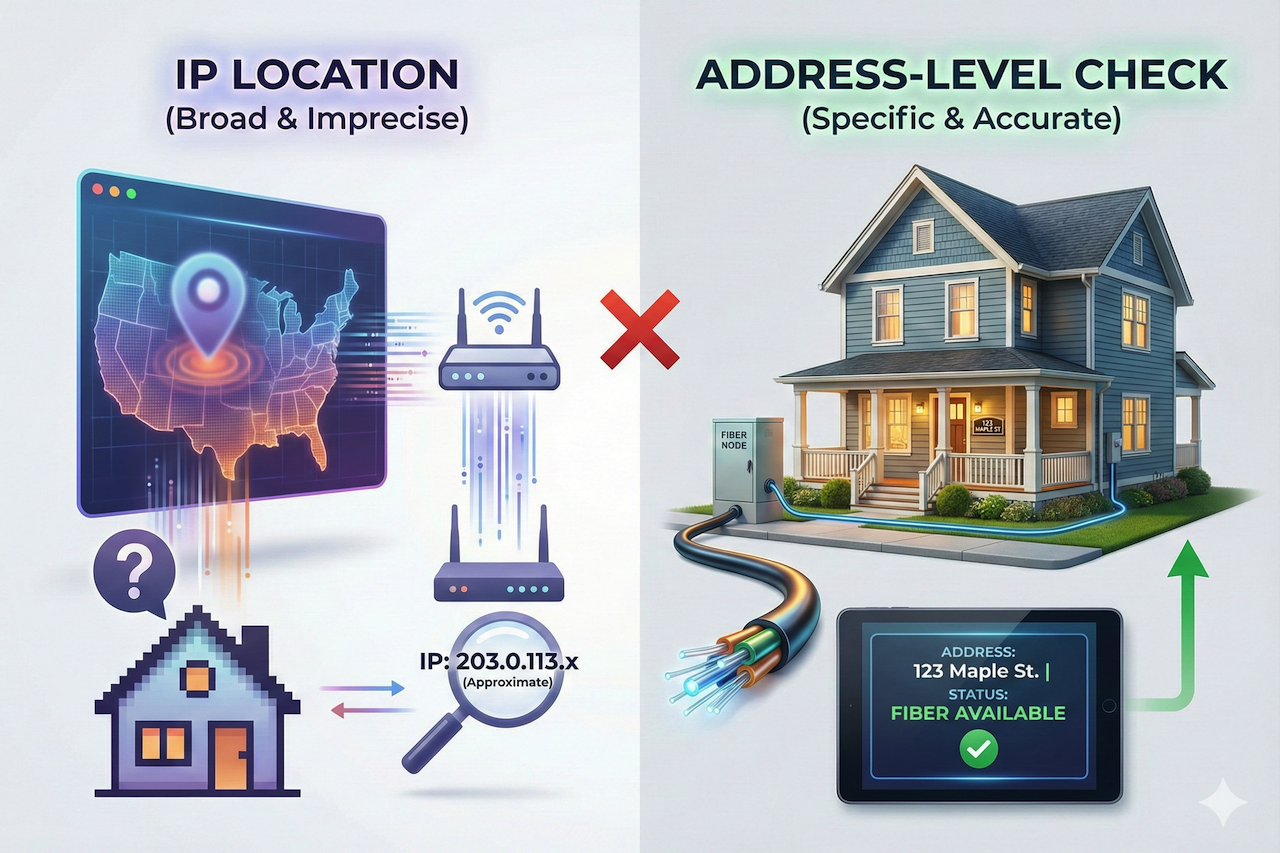
January 27, 2026
How IP Address Location Helps Determine Fiber Internet Availability
When users want to know whether fiber internet is available at their home, one of the first tools they often turn to is an IP address location lookup. IP geolocation can reveal...
Read More
Comments
Comments are moderated to keep the discussion useful and respectful. Spam, automated submissions, and low-value promotional comments are removed. Comments with outbound links may be approved when the link is relevant to the article and genuinely helpful to readers.
No comments have been published yet.