

IP Address, Network, Internet of Things
How to Secure Your IP Address When Adopting Next-Gen Connected Devices
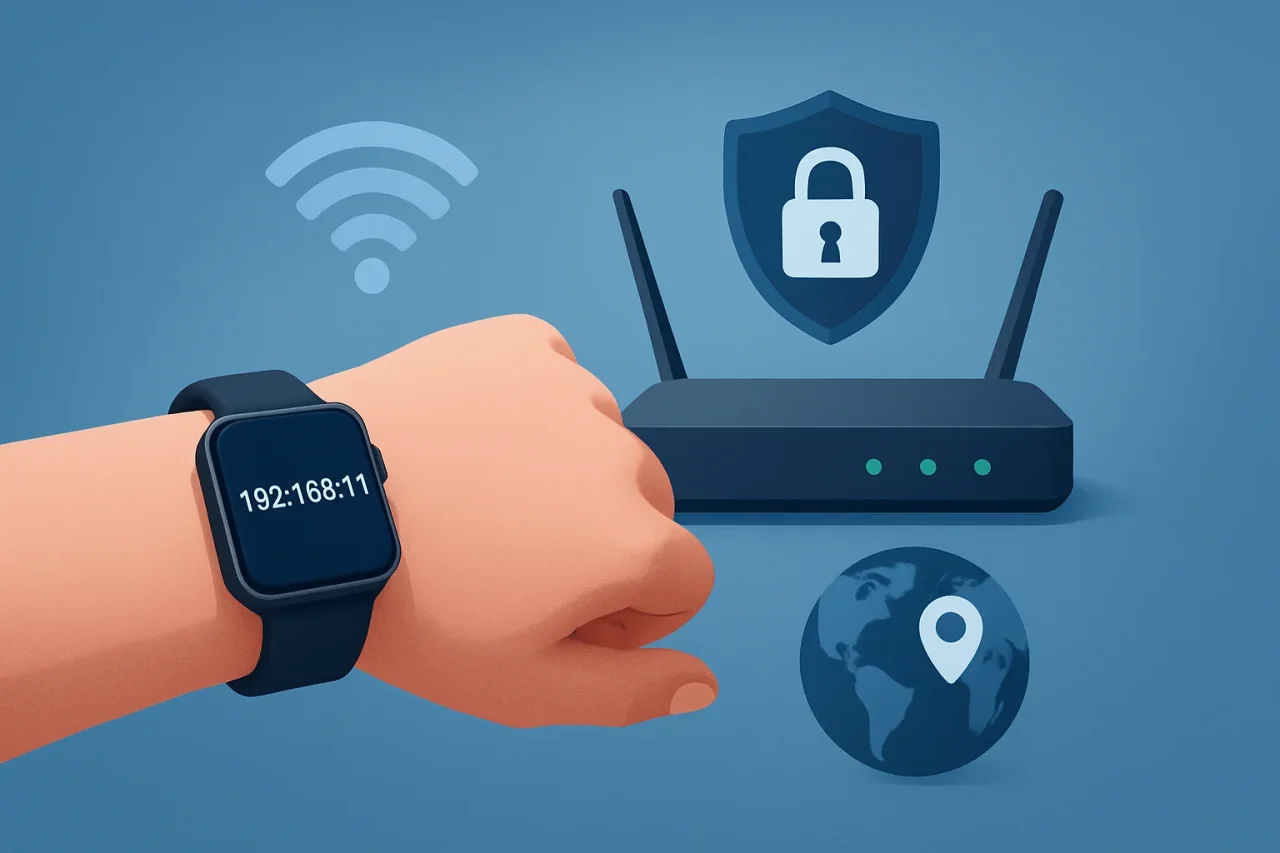
You are broadcasting your exact home coordinates every time you connect a new smart device to a default, unencrypted router. The moment you power on premium hardware, your internet protocol address becomes a giant flashing sign for internet service providers and third-party network sniffers. We buy incredible tech to capture our daily lives. We fail entirely to lock down the routing protocols that send that media to the cloud.
Consumers want connected devices that make it easier to capture everyday moments. Products such as AI glasses with a camera let users record high-definition, hands-free video directly from their point of view. They have become popular with content creators, travelers, and outdoor enthusiasts because they simplify recording without constantly reaching for a smartphone. While the hardware offers impressive capabilities, every photo, video, and sync request still depends on the security of the network carrying that data.
The device itself is not the vulnerability. Your naked Wi-Fi network is.
The Reality of Network Data Routing
I have spent years looking at backend analytics dashboards. I know exactly what an IP address yields. It is never just a string of numbers. It maps directly to a physical zip code. It reveals an internet service provider. It hints at an income bracket based on the neighborhood.
When you capture photos, videos, or other media on a connected device, those files have to go somewhere. They typically sync to an app, which then uploads them to a cloud server. If your home network or cellular connection is not using an encrypted tunnel, your ISP can see metadata such as packet sizes, destination servers, and upload timestamps. While the content itself may be encrypted, this metadata can still reveal patterns about your online activity.
Global demand for connected devices is growing rapidly. According to recent industry data, global shipments of wearable devices exceeded 500 million units in a single calendar year. This reflects the rapid expansion of internet-connected consumer technology, with millions of new devices transmitting data through residential Wi-Fi networks and cellular connections. Many of these networks still rely on factory default passwords or outdated security settings.
People often assume data security is handled by the brand behind their connected devices. In reality, device manufacturers can secure the hardware and software, but they cannot secure every network the device uses. A well-designed device connected to an unsecured network is still exposed to unnecessary risks. Protecting both the device and the network it relies on is essential for keeping data and communications secure.
What Exactly Is an IP Address Leak?
An IP leak happens when a device bypasses your intended security protocols and exposes your true public IP address to a third-party server.
- DNS Leaks: Your device asks for directions to a specific server, but the request defaults back to your ISP instead of your secure tunnel. The ISP logs the request.
- WebRTC Leaks: Browser-based communication protocols bypass virtual private networks completely to establish direct connections.
- Background Syncing: A connected device syncs through a secondary device, which then connects to a public Wi-Fi hotspot without triggering your phone’s security protections.
The average consumer has no idea this is happening. A massive portion of the public remains in the dark about backend data mechanics. A comprehensive survey found that roughly 81% of Americans feel they have no control over the data companies collect . That lack of control starts at the router level.
If you want to see exactly what you are transmitting to the open web right now, run a basic IP lookup tool test. The results will display your geographic coordinates, your hosting provider, and your network type in plain text.
How Do Hackers Target Connected Hardware?
Connected devices often process high-quality photos, videos, audio, and other sensitive data. As more of this information is captured, synchronized, and stored in the cloud, the network carrying that data becomes an increasingly valuable target for attackers.
Attackers do not break into the hardware directly. They compromise the network the hardware communicates over. Threat actors use automated scripts to scan the internet for unsecured residential IP addresses. When they find an open port, they monitor the traffic.
The sheer volume of these automated attacks is staggering. Security researchers reported that IoT cyberattacks reached over 1 billion in a single year, driven heavily by compromised routers and poorly configured home networks.
Attackers can use packet sniffers to intercept data in transit. If you sync photos, videos, or other files from a connected device to your phone or cloud storage while using an open public Wi-Fi network, that traffic may be exposed if it is not properly encrypted. Someone on the same network using a packet capture tool may be able to observe or intercept portions of the data stream.
Why Is Public Wi-Fi So Dangerous for Media Syncing?
Frictionless syncing is a massive selling point for modern tech. You walk into your house, and your devices immediately dump their cached data to the cloud. You walk into a cafe, and your phone auto-connects to the guest network.
This automation strips away your defensive layer.
Public networks use shared IP addresses. Hundreds of devices funnel their traffic through a single access point. Malicious actors set up "evil twin" networks by broadcasting an SSID that looks identical to the legitimate network. If a connected device begins syncing automatically after your phone joins the rogue network, an attacker may be able to intercept or manipulate parts of the connection.
The Cybersecurity and Infrastructure Security Agency explicitly warns that unsecured wireless networks allow attackers to capture login credentials and hijack active sessions. Connected devices are only as secure as the networks they rely on.
Actionable Network Hardening Tactics
You cannot rely on out-of-the-box settings. Default configurations prioritize user convenience over network integrity. You have to actively build a perimeter around your devices.
Stop treating your home network like a public utility. Treat it like a private server.
How Do You Secure a Local Router?
The router provided by your ISP is cheap. It is manufactured at the lowest possible price point and shipped with universal admin credentials.
- Change the Default Passwords: Update the default Wi-Fi password immediately. More importantly, change the router's administrator password. If an attacker gains access to the admin interface, they can control your network settings and connected devices.
- Keep Firmware Updated: Router manufacturers regularly release firmware updates to fix security vulnerabilities and improve performance. Installing these updates helps protect your network against known exploits.
- Disable WPS: Wi-Fi Protected Setup (WPS) can introduce unnecessary security risks because it may be vulnerable to brute-force attacks. If you do not need it, disabling WPS reduces your attack surface.
- Create a Guest Network: Separate trusted devices, such as laptops and smartphones, from guest devices and Internet of Things (IoT) products. Isolating less-trusted devices on a guest network helps limit the impact if one of them is compromised.
If you suspect a rogue device is pinging your network, you need to identify its origin. You can track an IP address by connecting it to your admin logs to determine whether the traffic is localized or coming from a foreign server.
Why Is Encrypting Your Traffic Non-Negotiable?
Hardening the local router only protects you inside your house. The moment your data leaves the modem and hits the ISP's infrastructure, it is out of your hands.
Internet service providers (ISPs) can observe certain network metadata, including DNS requests when they are not encrypted, as well as information about the servers your devices communicate with. This metadata can reveal patterns about your online activity even if the content itself is encrypted. Using an encrypted VPN tunnel helps reduce the amount of network information visible to your ISP by encrypting traffic before it leaves your device or network.
Using a secure VPN on devices that frequently connect to public or untrusted networks can help protect internet traffic by encrypting it before it leaves the device.
When your device uses a VPN, internet traffic is encrypted before it leaves the device and is routed through a secure VPN server. Your ISP can typically see that you are connected to a VPN service, but it cannot view the encrypted contents of your traffic or the specific websites and online services you access through the tunnel. This helps reduce exposure of browsing activity and other network metadata while using trusted networks or public Wi-Fi.
Conclusion
Connected devices make it easier than ever to capture, store, and share photos, videos, and other data, but every upload also depends on the security of the network carrying that information. Strong router settings, encrypted connections, secure Wi-Fi practices, and tools such as VPNs can help reduce unnecessary exposure of sensitive data and network metadata. Understanding how internet traffic moves between devices, applications, and cloud services enables users to make informed decisions about protecting their privacy. As connected technology continues to expand, securing the network is just as important as securing the devices connected to it.
Comments
Comments are moderated to keep the discussion useful and respectful. Spam, automated submissions, and low-value promotional comments are removed. Comments with outbound links may be approved when the link is relevant to the article and genuinely helpful to readers.
No comments have been published yet.