

Upgrade PST: Convert ANSI to Unicode & Fix Outlook Issues
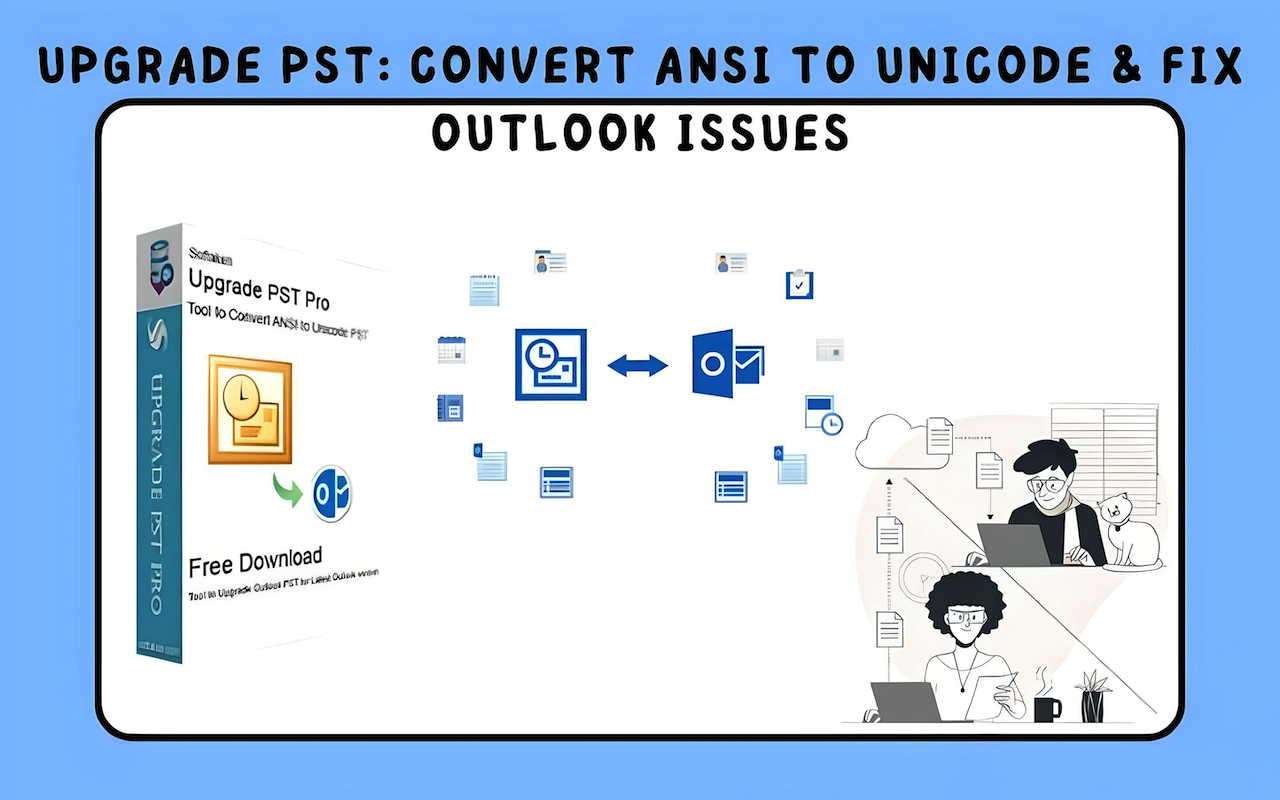
One often-used email client is Microsoft Outlook. Older PST files can, however, lead to issues. These older files employ the ANSI format, with a 2GB size restriction. Should the file surpass this, it may develop corruption. Upgrading the PST file to the Unicode format will help to correct this since it supports bigger file sizes and enhances performance.
Why go from ANSI to Unicode?
Your PST file is in ANSI format if you use an earlier Outlook version 2002 or less. Here is the reason updating to Unicode is crucial:
- Unicode PST files have up to 50GB of storage capacity; ANSI only allows 2GB.
- Large ANSI files are prone to corruption, which causes email loss.
- Outlook operates more smoothly with Unicode files, therefore improving performance.
- Compatibility with newer versions Outlook versions default in Unicode.
How to Convert ANSI PST to Unicode
Make sure Outlook 2003 or a later edition is installed before you begin. Use these directions:
Step 1: Create a New Unicode PST File
- Create Open Microsoft Outlook.
- File > New Items > More Items > Outlook Data File click.
- Click OK then select Outlook Personal Folders File (.pst).
- Describe the new PST file and choose a place to save it.
- Create the file with a click of OK.
Step 2: Move Data from the Old PST to the New One
- See File > Open and Export > Open Outlook Data File.
- Look over and open the old ANSI PST file.
- Both old and new PST files will show in the left pane.
- Manually move emails, contacts, and calendar entries from the old PST to the new one.
Step 3: Set the New PST as the Default File
- Under File > Account Settings > Account Settings, click.
- Choose the fresh PST file under the Data Files tab.
- Click Set as Default and launch Outlook once more.
Your PST file is getting upgraded to Unicode right now.
Final Notes
Upgrading your ANSI PST file to Unicode is essential to ensure better storage capacity, improved performance, and enhanced compatibility with newer Outlook versions. The manual conversion process involves creating a new Unicode PST file, transferring data from the old file, and setting the new file as the default. While this method works, it requires careful execution to avoid data loss or omissions.
Comments
Comments are moderated to keep the discussion useful and respectful. Spam, automated submissions, and low-value promotional comments are removed. Comments with outbound links may be approved when the link is relevant to the article and genuinely helpful to readers.
No comments have been published yet.