

Privacy, Geolocation, Online Tools
Who's Texting Me from This Number? 5 Methods to Find Out

Dinner, half asleep, driving, it doesn't matter when. The phone buzzes with a text from a number you don't recognize: no name, no context, just digits and a message that could be nothing or could be worth paying attention to. Curiosity usually wins within a day or two, and when it does, most people don't actually know where to start. Here are five ways to find out who's behind the number, from the free five-minute checks to the tools worth paying for. Below are five ways people actually track down who sent it, starting with the easiest and ending with the one that works when nothing else does.
1. Try Not to Text or Call Them Back
Simply texting or calling them back is risky. The second you reply, you've confirmed your number is real, and someone is reading it, which is exactly the information spam operations want. If a real person sent it for a real reason, asking "who is this?" clears things up in about ten seconds. But a link, a prize you never entered, anything asking you to click and "verify" — leave it alone. Calling the number back has the same problem, and if it's a premium-rate line, you'll pay for the privilege of finding that out.
2. Paste and Search It on Google
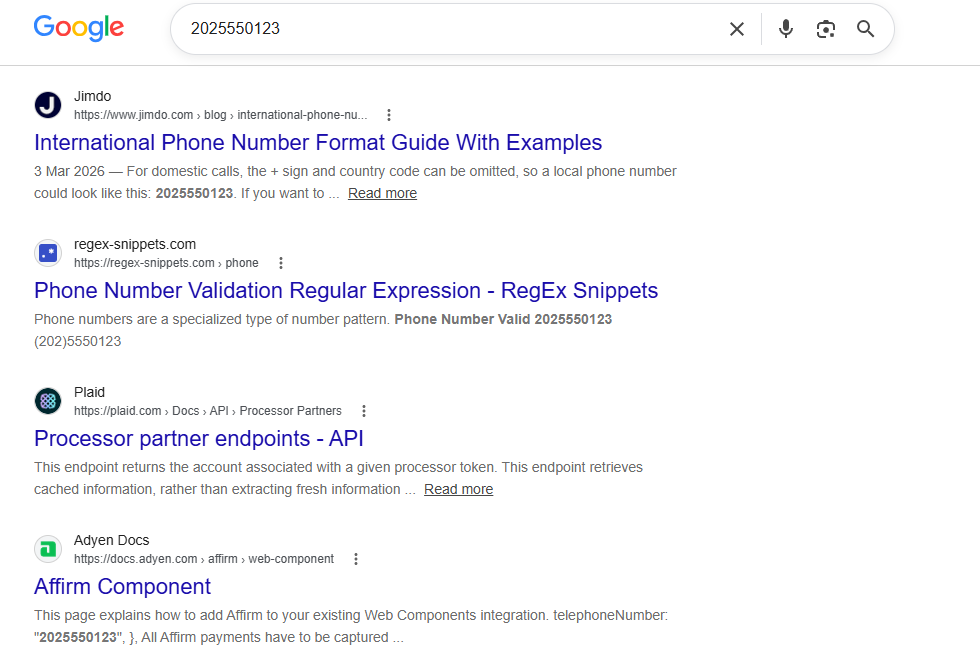
Copy the number exactly as it showed up and drop it into a search bar. Businesses list their numbers on websites and directories all the time, so this catches a surprising amount of legitimate calls. It also works for known scam operations, since people love complaining about them on Reddit and sites like 800notes. What it doesn't do well is personal cell numbers. Unless someone posted theirs somewhere public, which most people don't, you'll come up empty.
3. Check WhatsApp, Facebook, Whatever You've Got
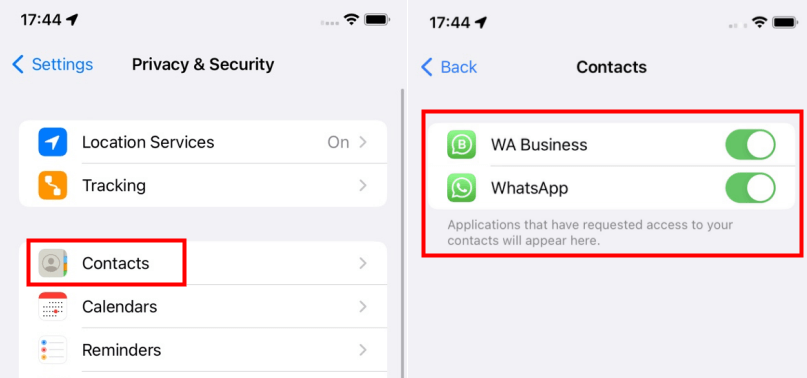
A lot of people sync their number to Facebook or WhatsApp without thinking twice about it, and that syncing makes them searchable. Save the number as a contact, open WhatsApp, and see if a name and photo show up. Facebook's search does something similar sometimes, particularly for older accounts that never bothered locking down privacy settings. It won't always work; plenty of newer accounts are locked tight by default, but it costs nothing and takes about thirty seconds, so there's no reason to skip it.
4. Run It Through a Reverse Phone Lookup Tool
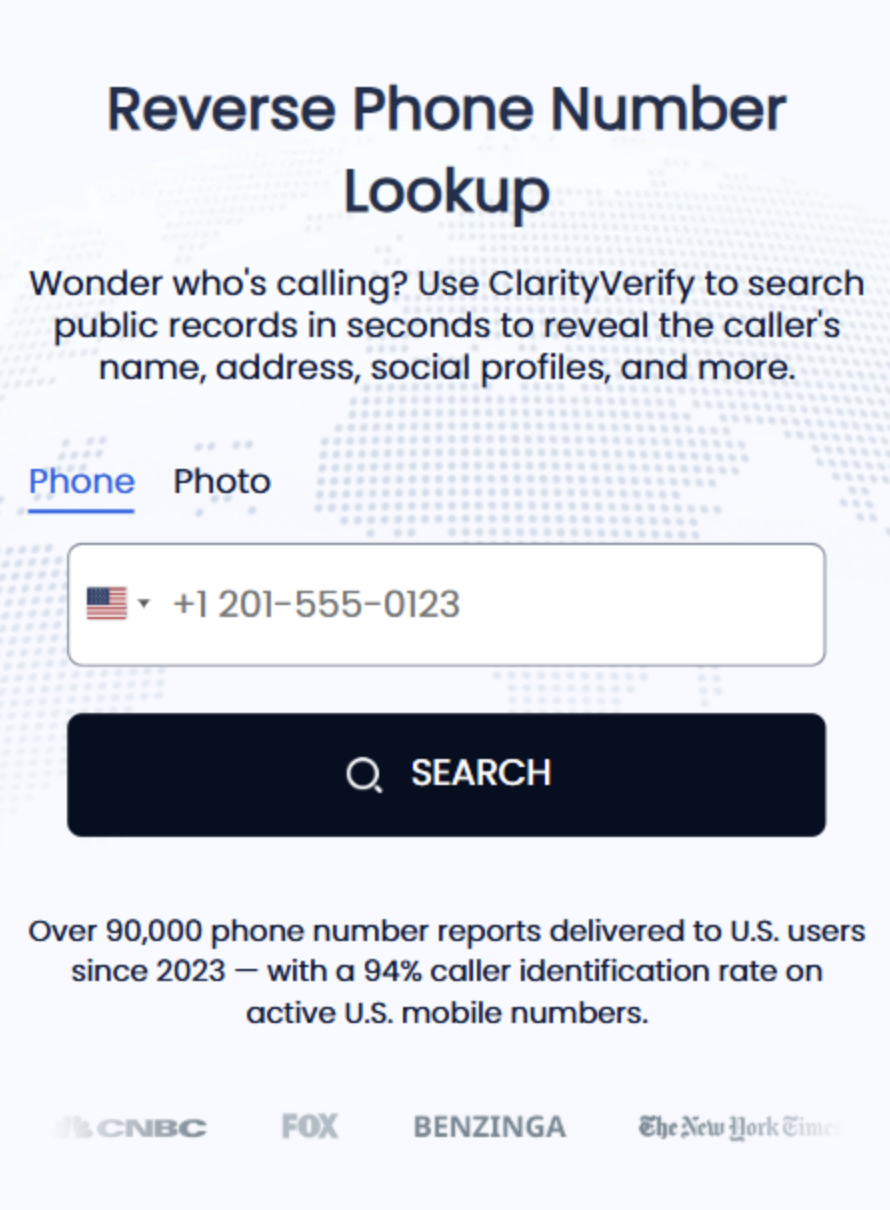
This is often the most effective option when Google searches and social media profiles don't provide useful information. A reverse phone lookup tool, such as ClarityVerify, searches multiple data sources, including public records, business directories, and carrier information, to identify details that may be associated with a phone number. Depending on the available data, the results may include a name, approximate location, phone type (mobile, landline, or VoIP), and other publicly available information. Simply enter the number and review any available results to help determine whether the caller or texter is legitimate.
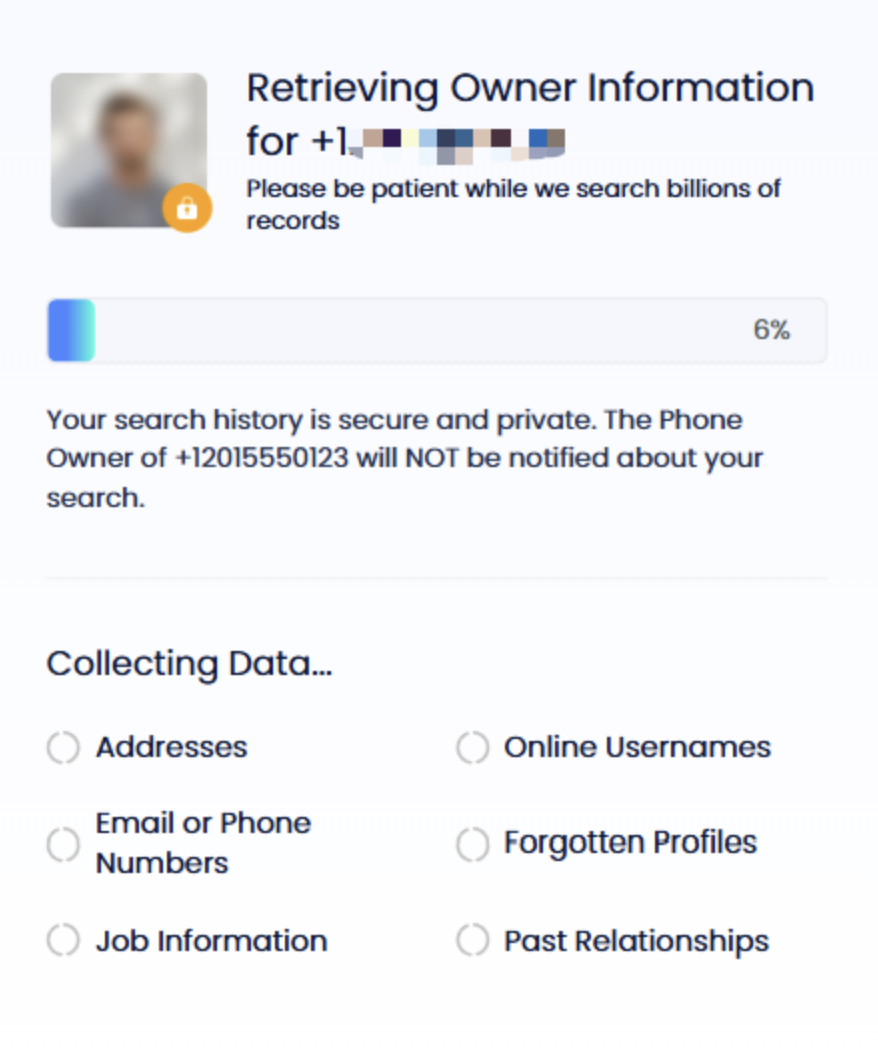
It's most useful in a few specific spots: a number that keeps texting and won't stop, a caller claiming to be from a company or government office you want to verify before you respond, or a name that feels half-familiar but you can't quite place. Parents use it to check on a new friend their kid mentioned. People on dating apps use it before agreeing to meet a match in person. Small business owners use it to separate real customer inquiries from spam. The whole process, entering the number, letting it search, giving an email address for the report, takes maybe two minutes from start to finish.
5. Get a Caller ID App
Truecaller, Hiya, and similar apps run on crowd-sourced reporting. Enough people flag a number as spam, and it shows up labeled the instant it calls or texts you again. Good for ongoing protection since it keeps running in the background after you set it up once. The downside is it only knows what other users have already told it, so a number that's never been reported shows up blank. You're also giving the app access to your contacts and call history, which not everyone's fine with.
So Which One's Worth Your Time
Google and social media cost nothing, but they only pay off if the person already left a trail online. Caller ID apps are useful for ongoing protection but generally rely on numbers that have already been reported by other users. A reverse phone lookup tool offers another option by searching multiple data sources, rather than relying solely on publicly available profiles or community reports. If you receive an unexpected text or call and want more information about the number, a reverse phone lookup can help you determine whether it is associated with a legitimate person or business before responding.
Keep in mind that none of these methods replace a formal background check or identity verification. Information returned by search engines, caller ID apps, and reverse phone lookup tools is typically compiled from public records, business directories, carrier information, and other aggregated data sources. While these methods can help identify an unknown caller or texter, they should not be relied upon for employment screening, tenant screening, credit decisions, or other situations that require verified identity information.
Comments
Comments are moderated to keep the discussion useful and respectful. Spam, automated submissions, and low-value promotional comments are removed. Comments with outbound links may be approved when the link is relevant to the article and genuinely helpful to readers.
No comments have been published yet.