

User Experience
Web Design
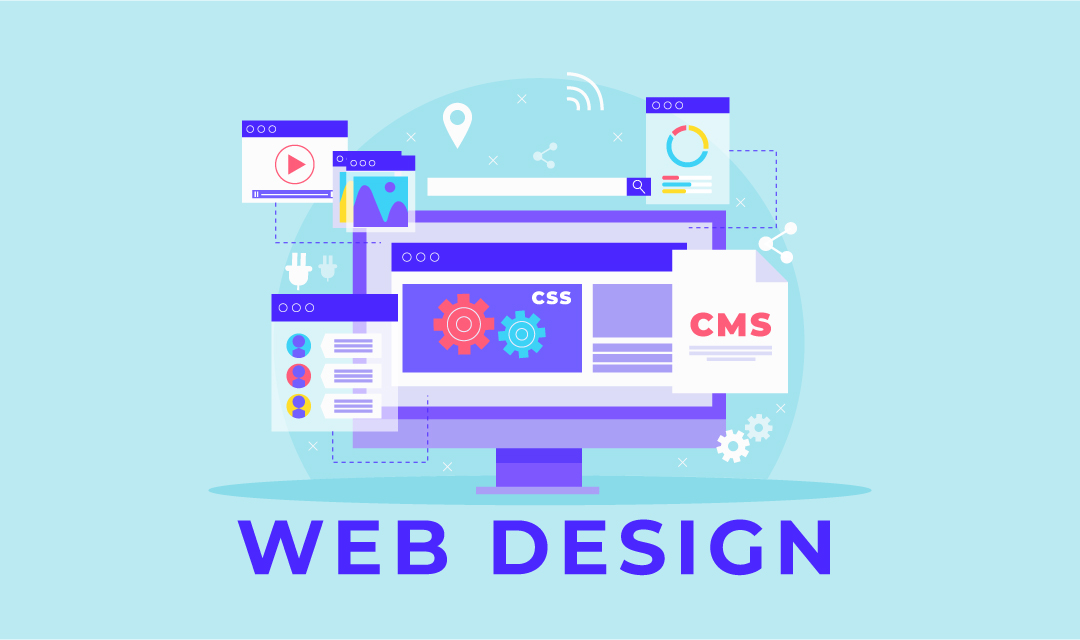
Design websites that are readable, credible, fast, and easy to use
Web design is more than visual style. It is the structure that helps visitors understand where they are, what matters, and what to do next across desktop, tablet, and mobile screens.
Browse Web AgenciesWeb Design
How do you create a professional looking website?
When it comes to building a website, there are several viable paths you can take depending on your time, budget, and technical skill level. Below, we’ll explore three common options: using a Content Management System (CMS), utilizing a website builder, or hiring a professional web developer.
1. Build It Yourself with a CMS
If you have the time and a willingness to learn, building a website yourself is often the most cost-effective solution. A highly recommended tool in this approach is a Content Management System (CMS). CMS platforms like WordPress, Joomla, Drupal, and Magento streamline the website creation process by offering pre-built themes, plugins, and user-friendly interfaces.
While CMS tools can significantly ease the workload, they often come with a learning curve—especially for beginners. That said, they offer a great deal of flexibility and control over your website’s content and structure. Many themes include built-in responsive features, allowing you to create professional, mobile-friendly websites even with minimal design skills. If you’re looking for professional designs, you can also explore paid theme marketplaces.
Tools like DropinBlog help you easily add a blog to your CMS-based website. It’s a simple, SEO-friendly solution that lets you publish content regularly without needing complicated plugins or custom coding. Plus, you can keep your website design looking professional while managing your blog seamlessly.
Using templates with a CMS is one of the easiest and most efficient ways to design a professional-looking website without needing advanced design skills. Most CMS platforms, such as WordPress, Joomla, and Drupal, offer access to thousands of free and premium templates (also called themes) that provide pre-designed layouts and built-in features. These templates cover a wide range of industries and purposes—from blogs and portfolios to e-commerce and corporate sites. By selecting a template that closely matches your vision, you can dramatically reduce the time and effort required to build your site from scratch. Many templates are also responsive and customizable, allowing you to adjust colors, fonts, and layout elements to better fit your brand while still benefiting from a solid design foundation. Here are a couple of popular template stores you may try:
2. Use a Website Builder
If time is limited or you’re not interested in learning the technical aspects of web development, a website builder is a practical alternative. These platforms are designed to help non-developers create fully functional and visually appealing websites quickly and affordably.
Early website builders were limited in flexibility and lacked support for dynamic features like JavaScript. Today, however, they’ve evolved significantly and now offer a wide range of design options and features—from online stores to GPS-based services.
Popular website builders include:
- Wix.com: Known for its wide variety of features and extensive app marketplace.
- Squarespace.com: Offers elegant, professionally designed templates.
- GoDaddy.com: Combines hosting with an easy-to-use builder.
- Weebly.com: and Jimdo.com – Other user-friendly options with flexible designs and solid customer support.
Website builders generally have a more forgiving learning curve compared to CMS platforms, making them ideal for beginners or small businesses.
3. Hire a Professional Web Developer
If budget is not a constraint and you prefer a hands-off approach, hiring a professional web developer is a great option. This allows you to delegate the technical work while focusing on your brand, content, and business strategy.
Hiring a developer can be expensive—rates vary based on experience, location, agency affiliation, and project complexity. Therefore, it’s essential to vet candidates thoroughly by reviewing portfolios, checking references, and confirming their expertise.
Maintaining open and frequent communication is also critical. You’ll need to collaborate closely with the developer to ensure the final product aligns with your vision, functionality needs, and quality standards.
Final Thoughts
No matter which route you choose—CMS, website builder, or professional developer—the goal remains the same: to create a visually appealing, functional, and effective website that serves your audience. While CMS platforms offer flexibility and control, website builders deliver speed and simplicity. On the other hand, hiring a developer offers a custom solution with minimal effort on your part.
Evaluate your needs, available resources, and long-term goals before making a decision. Each method has its merits, and the best choice is the one that aligns with your unique situation.
Disclaimer: We receive compensation when a purchase is made from the referred link. Our recommendation is based on our research and positive feedback we received from the users who've used the services.
Supplemental Guide
Useful context before your next decision
Web Design
Professional Website Design Principles
Clear hierarchy
Headings, spacing, contrast, and layout should show visitors what to read first and what action matters.
Responsive layout
Pages should adapt cleanly across screen sizes without hidden content, cramped controls, or horizontal scrolling.
Accessible content
Use readable text, semantic structure, alt text, keyboard-friendly controls, and color contrast that works for more people.
Fast experience
Compress images, reduce layout shifts, cache assets, and design pages that feel quick even on mobile connections.
Web Design
Choosing a Design Path
Templates and builders are useful when speed and simplicity matter. A custom design makes more sense when the brand, content model, product workflow, or conversion funnel needs a tailored experience.
For business-critical sites, design decisions should be tied to measurable outcomes: completed forms, calls, purchases, signups, repeat visits, or reduced support burden.